
This guide walks you through the simple process of switching your LG air conditioner from Celsius to Fahrenheit. Whether you’re using a remote, control panel, or smart app, we’ve got you covered with clear instructions and helpful tips.
Key Takeaways
- Most LG air conditioners allow temperature unit changes via the remote control using a simple button combination or menu setting.
- The exact method varies slightly depending on your model, so checking your user manual is always a good first step.
- Some newer LG models support app-based control through the LG ThinQ app, where you can switch units digitally.
- If your remote has a “Temp Unit” or “°C/°F” button, the process is instant—just press and hold for a few seconds.
- For models without a dedicated button, use the menu or settings mode on the remote to access temperature unit options.
- Always test the change by checking the display to confirm the unit has switched correctly.
- If the unit won’t change, try resetting the remote or checking battery levels, as low power can affect functionality.
How to Change Celsius to Fahrenheit on LG Air Conditioner
If you’ve recently moved to a new country or simply prefer Fahrenheit over Celsius, you might be wondering how to change the temperature display on your LG air conditioner. The good news? It’s easier than you think. Most LG air conditioners—whether window units, split systems, or portable models—allow you to switch between Celsius (°C) and Fahrenheit (°F) with just a few button presses.
In this comprehensive guide, we’ll walk you through every possible method to change the temperature unit on your LG air conditioner. Whether you’re using a standard remote, a smart model with Wi-Fi, or even the physical control panel on the unit itself, we’ve got you covered. You’ll learn step-by-step instructions, troubleshoot common issues, and discover pro tips to make temperature adjustments a breeze.
By the end of this guide, you’ll be able to confidently switch your LG AC from Celsius to Fahrenheit—and back again—whenever you need. No technical expertise required. Just follow along, and you’ll have your preferred temperature scale up and running in minutes.
Why Change from Celsius to Fahrenheit?
Before we dive into the how-to, let’s briefly talk about why you might want to make this change. Temperature scales can be confusing, especially if you’re more familiar with one over the other. In the United States, Fahrenheit is the standard for weather reports, cooking, and everyday use. If you’re used to thinking in terms of “70 degrees” for comfort or “90 degrees” for a hot day, Celsius might feel abstract.
For example, 20°C might sound mild, but it’s actually 68°F—a comfortable room temperature. On the other hand, 30°C is a sweltering 86°F. If you’re not accustomed to Celsius, these numbers can be misleading. Switching to Fahrenheit makes it easier to set your AC to a comfortable level without doing mental math.
Additionally, some users find Fahrenheit offers more precision for indoor comfort. The scale has smaller increments, so you can fine-tune your cooling or heating more accurately. Whether you’re adjusting for personal comfort, health reasons, or simply preference, changing the temperature unit on your LG air conditioner is a smart move.
Understanding Your LG Air Conditioner Model
Not all LG air conditioners are created equal. The method to change the temperature unit depends largely on your specific model and remote control type. That’s why it’s important to know what kind of AC you have before proceeding.
LG offers several types of air conditioners, including:
- Window units – Compact and self-contained, often with basic remotes.
- Split systems (inverter and non-inverter) – More advanced, with sleek indoor units and feature-rich remotes.
- Portable air conditioners – Mobile units with digital displays and remote controls.
- Smart ACs with Wi-Fi – Compatible with the LG ThinQ app for remote control via smartphone.
Each of these may have slightly different controls and menu layouts. However, the core process for changing the temperature unit is similar across most models. The key is identifying whether your remote has a dedicated button for temperature units or if you need to access a settings menu.
To find your model number, check the label on the back or side of the indoor unit, or look inside the user manual. This information can help you determine the exact steps for your device.
Method 1: Using the Remote Control (Dedicated Button)
The easiest and most common way to switch from Celsius to Fahrenheit is by using a dedicated button on your LG remote. Many newer LG air conditioners come with a “Temp Unit,” “°C/°F,” or similar button that allows instant switching.
Step-by-Step Instructions
- Turn on your air conditioner using the remote or the power button on the unit.
- Locate the “Temp Unit” or “°C/°F” button on your remote. It’s usually near the temperature adjustment buttons or in the center of the remote.
- Press and hold the button for 3–5 seconds. You should see the temperature display on the AC unit or remote change from °C to °F (or vice versa).
- Release the button once the unit switches.
- Test the change by adjusting the temperature. The numbers should now reflect Fahrenheit.
For example, if your display previously showed “24°C,” it should now show “75°F” after the switch.
Tips for Success
- Make sure the remote is pointed at the AC unit when pressing the button.
- If nothing happens, try pressing the button again or check the remote’s batteries.
- Some remotes require you to press the button twice—once to enter settings mode and again to toggle the unit.
This method works on models like the LG Dual Inverter Window AC, LG Smart Wi-Fi Enabled AC, and many portable units. If your remote has this button, you’re in luck—it’s the fastest way to make the change.
Method 2: Using the Remote Control (Menu Settings)
If your LG remote doesn’t have a dedicated temperature unit button, don’t worry. You can still change the setting through the menu or settings mode. This method is common on older models or remotes with a more basic layout.
Step-by-Step Instructions
- Turn on your air conditioner and ensure the remote is functioning.
- Press the “Menu” or “Settings” button on your remote. This is usually labeled clearly and may be located at the top or bottom of the remote.
- Use the arrow or navigation buttons to scroll through the menu options.
- Look for an option like “Temperature Unit,” “Unit,” or “°C/°F”. It may be under a submenu like “Display” or “System Settings.”
- Select the option and press “OK” or “Enter”.
- Toggle between Celsius and Fahrenheit using the arrow keys.
- Press “OK” or “Save” to confirm your selection.
- Exit the menu by pressing the “Menu” or “Back” button.
- Check the display on your AC unit to confirm the change.
For instance, on some LG split systems, you might navigate: Menu → Display → Temperature Unit → °F.
Tips for Success
- If you can’t find the temperature unit option, consult your user manual—menu layouts vary by model.
- Some remotes require you to press and hold the “Menu” button to enter advanced settings.
- If the menu is unresponsive, try replacing the remote batteries.
This method is reliable and works on a wide range of LG models, including the LG Standard Window AC and older inverter units.
Method 3: Using the LG ThinQ App (Smart Models)
If you have a Wi-Fi-enabled LG air conditioner, you can control it remotely using the LG ThinQ app on your smartphone. This is especially convenient if you’ve misplaced your remote or prefer managing your home appliances digitally.
Step-by-Step Instructions
- Download and install the LG ThinQ app from the Apple App Store or Google Play Store.
- Create an account or log in if you already have one.
- Add your air conditioner to the app by following the on-screen setup instructions. You’ll need to connect it to your home Wi-Fi network.
- Open the app and select your AC unit from the home screen.
- Tap the “Settings” or gear icon (usually in the top-right corner).
- Look for “Temperature Unit” or “Display Settings” in the menu.
- Toggle the setting from Celsius to Fahrenheit.
- Save your changes and exit the settings.
- Test the change by adjusting the temperature from the app. The display should now show Fahrenheit.
The LG ThinQ app offers a clean, intuitive interface and is compatible with models like the LG Smart Wi-Fi Window AC and LG Dual Inverter Smart AC.
Tips for Success
- Ensure your AC and smartphone are connected to the same Wi-Fi network.
- If the app doesn’t recognize your unit, try resetting the Wi-Fi connection on the AC.
- The app may take a few seconds to sync changes—be patient.
Using the app not only lets you change the temperature unit but also schedule cooling, monitor energy usage, and receive maintenance alerts.
Method 4: Using the Control Panel on the Unit
In rare cases—such as a lost remote or malfunctioning device—you may need to change the temperature unit directly from the control panel on the air conditioner itself. This method is less common but still possible on some models.
Step-by-Step Instructions
- Locate the control panel on your AC unit. This is usually on the front or side of the indoor unit.
- Press and hold the “Mode” and “Fan Speed” buttons simultaneously for 5–10 seconds. (Note: Button combinations vary by model.)
- Watch the display for a change in the temperature unit.
- Release the buttons once the unit switches to Fahrenheit.
- Test the change by adjusting the temperature using the panel buttons.
For example, on some LG portable ACs, pressing “Mode” + “Timer” for 5 seconds toggles the temperature unit.
Tips for Success
- Refer to your user manual for the exact button combination—this varies widely.
- If nothing happens, try different button combinations or reset the unit.
- This method is typically a last resort and may not work on all models.
While not ideal, this method ensures you can still adjust settings even without a remote.
Troubleshooting Common Issues
Sometimes, changing the temperature unit doesn’t go as planned. Here are some common problems and how to fix them.
Issue: The Temperature Unit Won’t Change
If pressing the button or navigating the menu doesn’t work, try these steps:
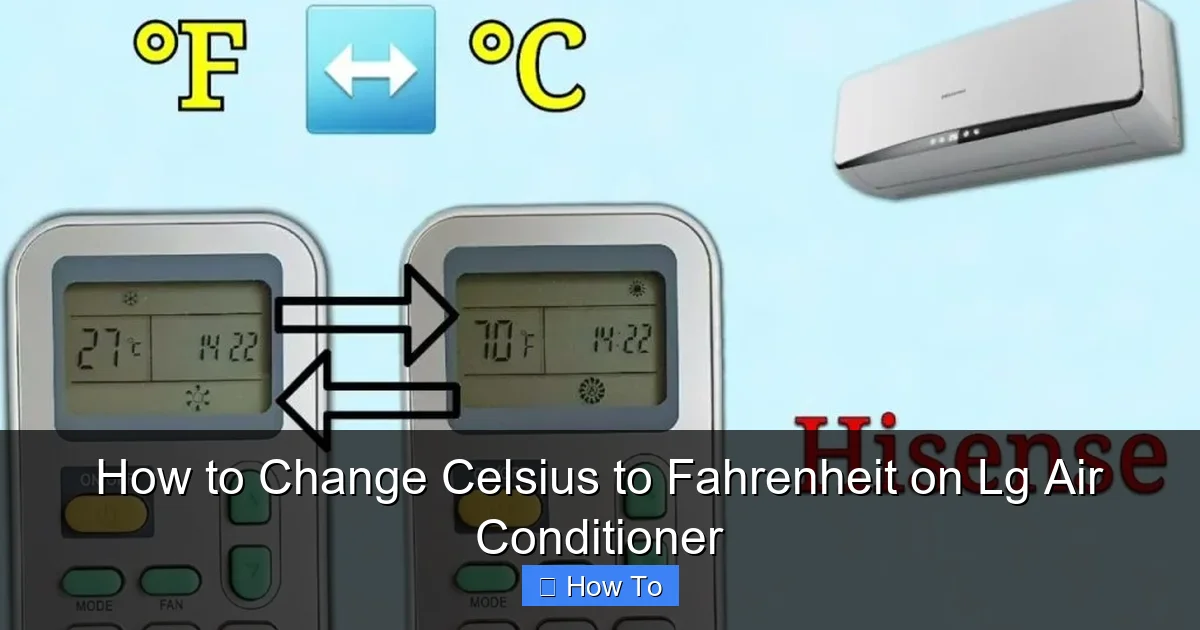
Visual guide about How to Change Celsius to Fahrenheit on Lg Air Conditioner
Image source: acsupportspoint.com
- Check the remote batteries – Low power can prevent the remote from sending signals.
- Reset the remote – Remove the batteries, wait 30 seconds, then reinsert them.
- Power cycle the AC – Turn off the unit, unplug it for 1–2 minutes, then plug it back in.
- Ensure the remote is compatible – Some third-party remotes don’t support all functions.
Issue: The Display Shows the Wrong Unit
If the display switches back to Celsius after you change it, the setting may not be saving properly.
- Repeat the process and make sure you press “Save” or “OK” if prompted.
- Check for firmware updates – For smart models, updating the AC’s software via the ThinQ app may fix bugs.
- Contact LG support – If the issue persists, there may be a hardware or software problem.
Issue: No Menu or Button Options Available
If your remote or unit lacks the necessary buttons or menu options:
- Consult the user manual – Some older models don’t support unit changes.
- Consider a universal remote – Some advanced remotes allow custom programming.
- Use the ThinQ app – If your model supports it, the app may offer more control options.
Pro Tips for Managing Temperature Settings
Now that you know how to change the unit, here are some extra tips to get the most out of your LG air conditioner:
- Set a comfortable baseline – For most people, 72–76°F (22–24°C) is ideal for cooling. Adjust based on humidity and personal preference.
- Use the “Eco” or “Energy Saver” mode to reduce power consumption while maintaining comfort.
- Schedule your AC using the timer or app to cool your home before you arrive, saving energy.
- Clean the filters regularly – Dirty filters reduce efficiency and can affect temperature accuracy.
- Keep the remote clean and stored properly – Dust and moisture can interfere with button function.
Conclusion
Changing the temperature unit on your LG air conditioner from Celsius to Fahrenheit is a simple process that can make a big difference in your comfort and usability. Whether you’re using a dedicated button, navigating a menu, controlling via the LG ThinQ app, or adjusting the unit directly, the steps are straightforward and easy to follow.
Remember, the exact method depends on your model, so always refer to your user manual if you’re unsure. And if you run into issues, don’t hesitate to try troubleshooting steps like resetting the remote or power cycling the unit.
With this guide, you’re now equipped to switch between temperature scales with confidence. Enjoy your perfectly cooled home—in the unit you prefer.

