
This guide walks you through how to turn off a Carrier air conditioner using the control panel, thermostat, or remote. Whether you’re troubleshooting or just need to shut down your unit, we cover all methods—plus safety tips and common questions.
Quick Answers to Common Questions
Can I leave my Carrier AC on all day?
Yes, but it uses more energy. Use timers or smart features to optimize usage and lower bills.
Will turning off my AC affect humidity?
Yes. Turning off the AC stops dehumidification. In humid climates, consider using a dehumidifier separately.
Is it safe to turn off my AC during rain?
Absolutely. Rain won’t harm your outdoor unit. Just avoid opening panels in wet conditions.
Do I need to turn off the AC before winter?
No—most Carrier systems include heat pumps for winter. Switch to “Heat” mode instead.
Why does my AC restart after being turned off?
It may be set to “Auto” mode or have a delayed start feature. Check your timer or thermostat settings.
How to Turn Off a Carrier Air Conditioner: A Complete Step-by-Step Guide
If you own a Carrier air conditioner, you know how essential it is for keeping your home cool and comfortable during hot summer months. But what happens when you need to shut it down? Maybe you’re heading out of town, adjusting your home’s climate, or troubleshooting an issue. Knowing how to properly turn off your Carrier AC ensures safety, protects your equipment, and helps maintain its longevity.
In this comprehensive guide, we’ll walk you through every method to turn off your Carrier air conditioner—whether you’re using a remote control, a smart thermostat, or a manual switch. We’ll also share practical tips, explain why timing matters, and answer common questions so you feel confident every time you power down your unit.
Why It Matters: The Importance of Proper Shutdown
Turning off your Carrier air conditioner isn’t always as simple as pressing a button. Unlike some basic models, many Carrier units are designed with advanced features like programmable timers, energy-saving modes, and digital thermostats. These add functionality but require a bit more understanding to operate correctly.
Visual guide about How to Turn Off a Carrier Air Conditioner
Image source: metropolitanairconditioning.com.au
Shutting down your AC improperly can lead to:
- Shortened lifespan of the compressor
- Unexpected restart cycles when power returns
- Increased energy consumption due to inefficient operation
By following the right steps, you ensure your system remains reliable and efficient for years to come.
Understanding Your Carrier AC System
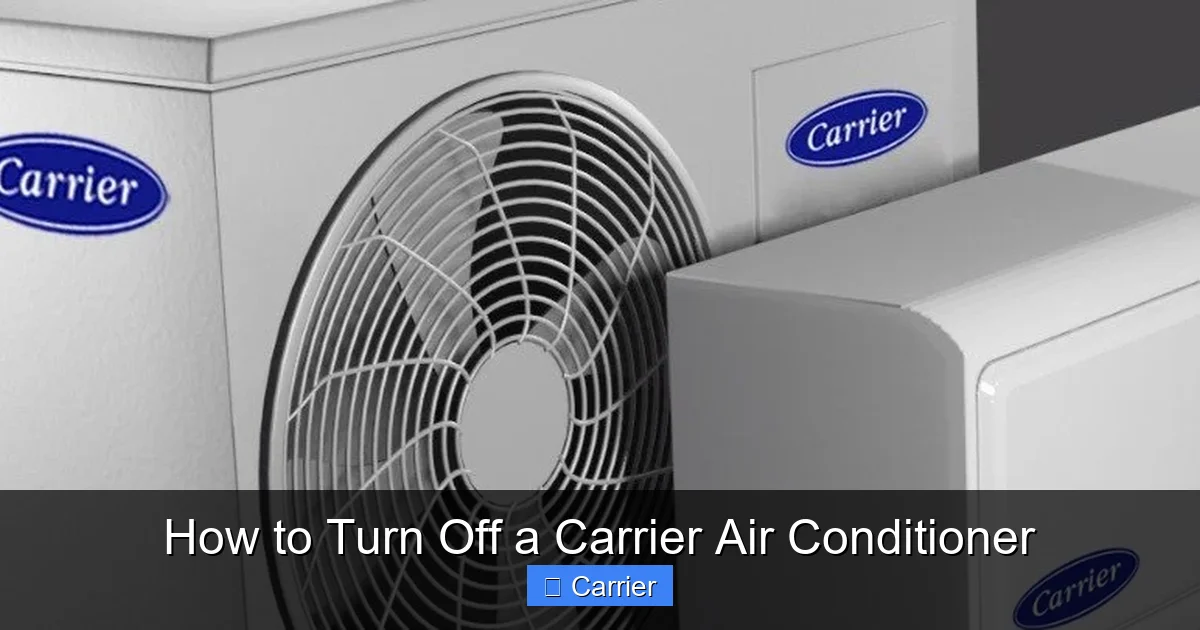
Before diving into shutdown procedures, let’s briefly cover what makes Carrier air conditioners unique. Carrier is one of the most trusted names in HVAC (Heating, Ventilation, and Air Conditioning), known for high-efficiency models, smart technology integration, and durable construction. Most residential Carrier AC units consist of two main parts:
Visual guide about How to Turn Off a Carrier Air Conditioner
Image source: miro.medium.com
- The Indoor Unit: Contains the evaporator coil, blower fan, and controls.
- The Outdoor Unit: Houses the compressor, condenser coil, and refrigerant lines.
Both components work together to cool your home. When you turn off your system, you’re stopping airflow from the indoor blower and shutting down the compressor in the outdoor unit. This process must be done carefully to avoid stressing the system.
Step 1: Using the Remote Control (Easiest Method)
If you have the original remote that came with your Carrier air conditioner, this is likely the quickest way to turn it off.
What You’ll Need:
- Carrier AC remote control
- Battery (if needed)
Steps:
- Press the Power Button: Look for a red or white button labeled “Power,” “Off,” or a symbol resembling a circle with a vertical line (like a TV remote).
- Confirm the Display Changes: The screen on your indoor unit should go blank or show “OFF.”
- Listen for the Blower Fan: The indoor blower should slow down and stop within 30 seconds.
💡 Tip: If your remote has multiple buttons, avoid using “Sleep” or “Timer” modes unless you want the AC to automatically turn back on later.
Step 2: Turning Off via the Indoor Unit’s Control Panel
Not everyone keeps their remote handy. That’s okay! Your Carrier AC usually has a built-in control panel on the indoor unit itself.
Steps:
- Locate the Control Panel: It’s typically behind the front grille of the wall-mounted or ceiling cassette unit.
- Open the Front Panel: Gently press the release latch or slide the top edge outward.
- Find the Power Button: It may be labeled “On/Off” or show a power icon.
- Press and Hold for 3 Seconds: Some models require a long press to prevent accidental shutdowns.
- Close the Panel Securely: Make sure it clicks back into place to restore full functionality.
⚠️ Warning: Never force the panel open or pry it with tools—this can damage the housing or wiring.
Step 3: Shutting Down Through the Thermostat
Many modern Carrier systems integrate with smart thermostats like Nest, Ecobee, or Carrier-branded ones. Here’s how to turn off your AC through the thermostat interface.
For Smart Thermostats:
- Access Your Thermostat App: Open the companion app (e.g., Nest, Home, or Carrier app).
- Select Your AC System: Tap the HVAC or Cooling section.
- Change Mode to “Off”: Switch from “Cool” or “Auto” to “Off.”
- Confirm the Change: The thermostat will send a signal to the AC unit to stop cooling.
For Manual Thermostats:
- Lower the Set Temperature: Turn the dial or press the down arrow until the number drops below room temperature.
- Switch to Fan Mode: Select “Fan Only” if you only want circulation without cooling.
- Wait for Full Stop: The compressor will cycle off, and the fan will run briefly before shutting down.
🔄 Note: In heat pump models, switching to “Heat” mode instead of “Off” allows reverse-cycle heating without cooling.
Step 4: Emergency or Complete Shutdown (Circuit Breaker Method)
Sometimes, you need to completely cut power—like during maintenance, storms, or electrical issues. This method turns off your Carrier AC at the source.
Steps:
- Identify the Circuit Breaker: Go to your home’s electrical panel and find the breaker labeled “AC,” “HVAC,” or “Air Conditioner.”
- Turn Off the Breaker: Flip the switch to the OFF position (usually left or down).
- Wait 2 Minutes: This allows residual electricity to drain from capacitors.
- Flip Breaker Back On (When Ready): Return to ON to restore power gradually.
🛠️ Pro Tip: Label your breaker clearly if multiple circuits serve different zones (e.g., “Master Bedroom AC”). This prevents confusion later.
Step 5: Using the Timer or Sleep Function (Temporary Shutdown)
Carrier ACs often include timer functions that let you schedule automatic shutdowns. While not a permanent off-switch, this is great for short breaks.
How to Use the Built-In Timer:
- Press the Timer Button: On the remote or control panel.
- Set Duration (1–8 Hours): Choose how long you want the AC to run before shutting off.
- Activate the Timer: Confirm with an OK or Start button.
- Cancellation Option: Repeat the process and select “Cancel Timer” if you change your mind.
📅 Example: Set a 2-hour timer before bedtime so your bedroom stays cool without wasting energy overnight.
Practical Tips for Smooth Operation
Even experienced users can benefit from these insider tips when turning off their Carrier air conditioners.
- Always Wait Between Cycles: Give your AC at least 5–10 minutes between start/stop cycles to protect the compressor.
- Clean Filters First: Dirty filters restrict airflow and make your system work harder—even after shutdown.
- Check for Error Codes: If your display shows “E1,” “F1,” or another code, consult your manual before powering off.
- Use Energy-Saving Modes Wisely: “Eco” or “Smart” modes reduce runtime but don’t fully shut off the unit.
- Keep Windows Closed During Operation: Turning off the AC while windows are open lets hot air rush in unnecessarily.
Troubleshooting Common Issues
What if your Carrier AC won’t turn off?
Problem: Remote Not Working
Solution: Replace the remote battery, point the remote directly at the sensor, and remove any obstacles blocking the signal.
Problem: Unit Keeps Running After “Off” Command
Solution: This could mean the thermostat isn’t synced. Reset both the thermostat and AC by power-cycling the breaker. Also, ensure no child lock or safety feature is active.
Problem: Strange Noises Before Shutting Down
Solution: Grinding, clicking, or humming may indicate mechanical issues. Stop the unit immediately and contact a licensed technician.
Problem: Frozen Evaporator Coil
Solution: Turn off the AC, close vents, and let ice melt naturally. Don’t force it—this prevents water damage.
When Should You Turn Off Your Carrier AC?
Knowing when to shut off your Carrier air conditioner helps balance comfort, cost, and system health.
- During Extended Absences: Turn it off when leaving for vacation or work for 3+ days.
- At Night (If Comfortable): In mild climates, sleeping with windows open and AC off can save money.
- During Power Outages: Cut power at the breaker to prevent surges when electricity returns.
- For Maintenance: Always shut off before cleaning coils, checking refrigerant, or inspecting ductwork.
❌ Avoid: Turning off your AC repeatedly every few hours—this stresses the compressor and increases wear.
Final Thoughts: Mastering Your Carrier Air Conditioner
Learning how to turn off a Carrier air conditioner isn’t just about convenience—it’s about taking care of an investment that keeps your home comfortable year after year. With the methods above, you can confidently shut down your system using the remote, thermostat, or breaker, depending on your situation.
Remember: proper shutdown supports efficiency, extends lifespan, and saves money. Whether you’re a first-time owner or upgrading to a smart model, these steps apply across Carrier’s full range of residential units.
Need help choosing the right method? Check your user manual or visit Carrier’s official support page. And if you ever notice unusual behavior, don’t hesitate to call a certified HVAC technician.
Stay cool—and stay smart—with your Carrier air conditioner!

