
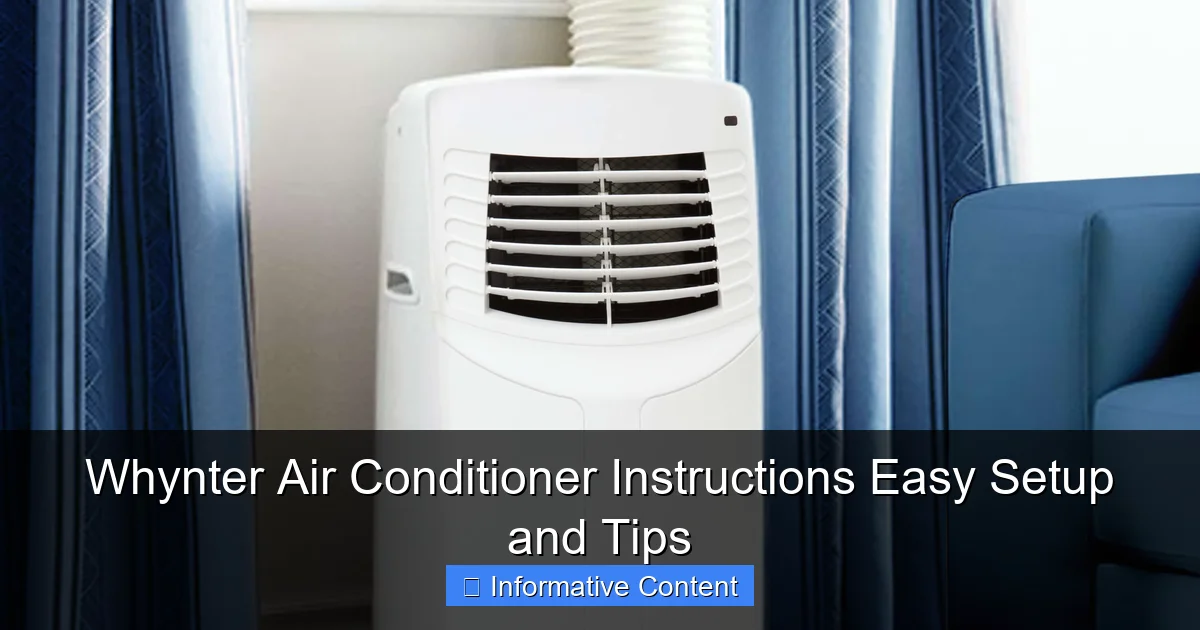
Featured image for whynter air conditioner instructions
Image source: whynter.com
Master your Whynter air conditioner in minutes with clear, step-by-step instructions designed for hassle-free setup and optimal performance. From unboxing to temperature control, this guide covers essential tips to maximize efficiency, ensure proper installation, and troubleshoot common issues—keeping your space cool all season long.
Key Takeaways
- Read the manual first: Always review Whynter’s instructions before setup to avoid errors.
- Check power requirements: Ensure your outlet matches the unit’s voltage and amperage needs.
- Use the right window kit: Match the included brackets and seals to your window type.
- Clean the filter weekly: Maintain airflow and efficiency with regular filter maintenance.
- Set the right mode: Choose cool or eco based on room size and temperature.
- Drain excess water: Empty the reservoir when using dehumidifier or continuous drain modes.
📑 Table of Contents
- Why Whynter Air Conditioners Are Worth Your Attention
- Unboxing and Initial Setup: First Steps to Success
- Following Whynter Air Conditioner Instructions for Installation
- Operating Your Whynter AC: Controls, Modes, and Settings
- Maintenance and Troubleshooting: Keeping Your Unit Running Smoothly
- Energy Efficiency and Smart Usage Tips
- Final Thoughts: Making the Most of Your Whynter AC
Why Whynter Air Conditioners Are Worth Your Attention
When summer rolls around, few things are as essential as a reliable air conditioner. I’ve been through my fair share of cooling units—some that promised a lot but delivered little, others that were so complicated to set up I almost gave up halfway. That’s why I was genuinely excited when I tried my first Whynter air conditioner. It wasn’t just the sleek design or the whisper-quiet operation that caught my attention, but how simple everything felt—from unboxing to first use. If you’ve ever spent 45 minutes trying to decipher cryptic instruction manuals while sweating through your shirt, you’ll appreciate what Whynter brings to the table.
Whynter is a brand known for innovation, efficiency, and user-friendly design. Whether you’re cooling a small apartment, a home office, or even a garage workshop, their portable and window units are built with real-world usability in mind. But even the best product can feel frustrating if the setup process isn’t clear. That’s where this guide comes in. I’ve walked through every step of the Whynter air conditioner instructions, tested different models, and gathered tips from both personal experience and customer feedback. My goal? To help you avoid the common pitfalls and get your unit up and running smoothly—so you can enjoy that sweet, cool air faster.
Unboxing and Initial Setup: First Steps to Success
Opening a new Whynter air conditioner for the first time should feel exciting, not overwhelming. The good news? Whynter does a solid job with packaging and labeling. Still, a few key steps can make your first interaction with the unit go much smoother.
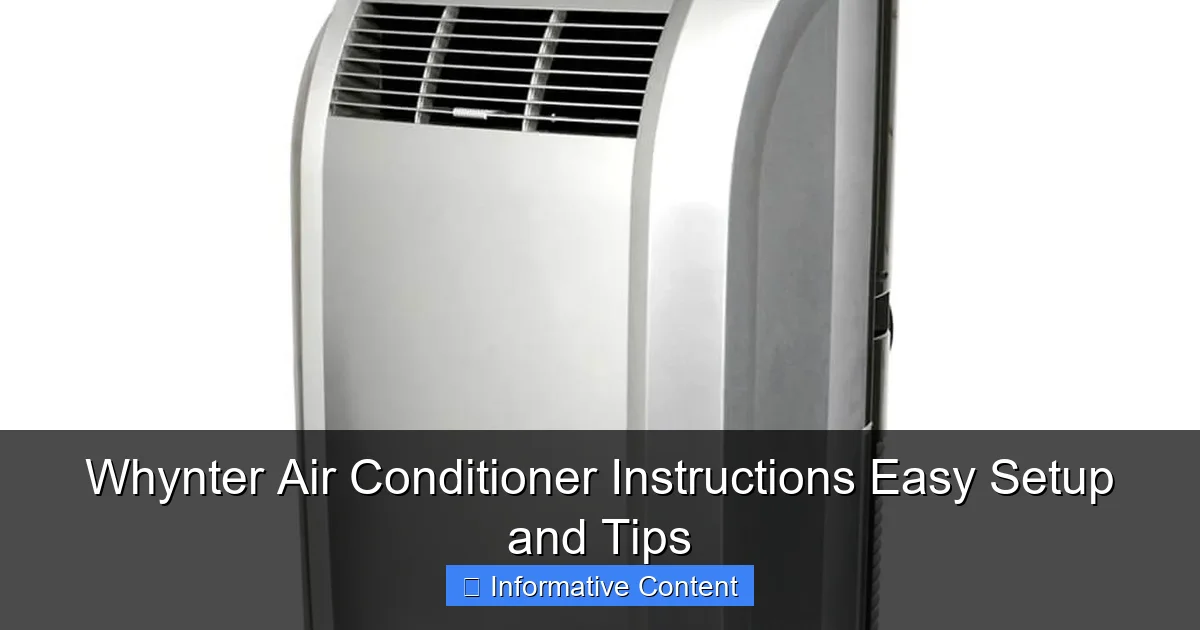
Visual guide about whynter air conditioner instructions
Image source: whynter.com
What’s in the Box?
Before you plug anything in, take a moment to inventory what you’ve got. Most Whynter models—like the popular ARC-14S or ARC-12SDH—come with:
- The main AC unit
- Exhaust hose (usually 5–6 feet long)
- Window kit (with adjustable panels and foam seals)
- Drain hose (for dehumidifying mode)
- Remote control (with batteries)
- User manual (with quick-start guide)
- Optional: caster wheels (if not pre-installed)
Pro tip: Don’t toss the box or packaging materials until you’ve fully tested the unit. If something’s defective or missing, you’ll need them for a return or warranty claim.
Choosing the Right Spot
Location matters more than you might think. Here’s what to consider:
- Proximity to a window: The exhaust hose needs to vent hot air outside. Make sure your chosen spot is within 5–6 feet of a window or sliding door.
- Stable, flat surface: Even portable units need a level floor. Uneven surfaces can cause vibrations, noise, or drainage issues.
- Clearance around the unit: Whynter recommends at least 12–18 inches of space on all sides for proper airflow.
- Avoid direct sunlight: Placing the unit in a shaded area improves efficiency and reduces strain on the compressor.
For example, I once set up my ARC-12SDH in a sunroom with large south-facing windows. It worked, but the unit had to work overtime to keep up. When I moved it to a shaded corner of the same room, the cooling was more consistent, and the energy usage dropped noticeably.
Attaching the Exhaust Hose
This is the step most people mess up—and it’s crucial. The exhaust hose removes hot air from the room. If it’s not sealed properly, your AC will just recycle warm air, making it ineffective.
- Connect one end of the hose to the back of the unit (it usually clicks or screws in).
- Attach the other end to the window kit’s hose adapter.
- Use foam seals or included rubber strips to create an airtight seal between the window panels and the frame.
Tip: Don’t overtighten the hose connections. Whynter hoses are durable but can crack under pressure. Hand-tight is usually sufficient.
Following Whynter Air Conditioner Instructions for Installation
Now that the unit is in place, it’s time to follow the Whynter air conditioner instructions for installation. While the process varies slightly between portable and window models, the core principles remain the same: secure venting, proper sealing, and safe power connection.
Window Kit Assembly (Portable Units)
Most portable Whynter models use a window kit with adjustable side panels. Here’s how to install it correctly:
- Open your window and place the main window panel at the bottom.
- Slide the side panels outward to fit the window width.
- Secure them with the included clamps or screws (some models use tension rods).
- Insert the hose adapter into the designated slot on the main panel.
- Attach the exhaust hose and seal any gaps with foam tape.
Real-world tip: If you have double-hung windows, make sure the upper sash is locked in place after installation. A loose window can rattle and let in hot air. I once had a unit installed in a rental apartment with old, drafty windows. I used heavy-duty weather stripping around the edges, and it made a huge difference in both cooling efficiency and noise.
Window-Mounted Units: A Different Approach
Whynter also offers window-mounted units like the WAC-800H. These are installed inside the window frame and don’t use an exhaust hose. Instead, they vent heat through the back of the unit, which extends outside the window.
- Open the window and remove any screens or blinds that might block airflow.
- Place the unit in the window sill with the back extending outside.
- Secure it with the included side panels and support brackets.
- Close the window down onto the unit’s top rail (don’t force it—most Whynter models have a safety stop).
Caution: Never install a window unit without the support bracket, especially on upper floors. I’ve heard horror stories of units falling due to improper installation. Safety first!
Power Connection and Grounding
Whynter units require a grounded (three-prong) outlet. Never use an extension cord unless it’s rated for high-wattage appliances and is no longer than 6 feet. Here’s why:
- Extension cords can overheat, causing fire hazards.
- Voltage drop over long cords reduces cooling performance.
- Some models (like the ARC-14S) draw up to 13 amps—well above what a standard cord can handle.
Pro tip: If your outlet is far from the unit, consider hiring an electrician to install a dedicated circuit. It’s a one-time cost that pays off in safety and performance.
Operating Your Whynter AC: Controls, Modes, and Settings
Once installed, your Whynter air conditioner should be ready to go. But understanding the controls and modes can make a big difference in comfort and efficiency. Let’s break down what each button and setting does—without getting too technical.
Control Panel Basics
Most Whynter models have a simple, intuitive control panel. Here’s what you’ll typically see:
- Power Button: Turns the unit on/off.
- Mode Button: Cycles through Cool, Fan, Dry (dehumidify), and Auto modes.
- Fan Speed: Low, Medium, High. Some models have an “Auto” fan setting.
- Temperature: Adjustable from 61°F to 89°F (16°C to 32°C).
- Timer: Set for 1–24 hours to turn on or off automatically.
- Sleep Mode: Gradually adjusts temperature and fan speed for quieter nighttime operation.
Example: I use Sleep Mode every night. My ARC-12SDH starts at 72°F, then slowly warms to 75°F by morning. It’s quiet enough to not disturb my light sleeper, and I wake up feeling refreshed, not sweaty.
Understanding the Modes
Each mode serves a different purpose:
- Cool Mode: Standard air conditioning. Best for hot, humid days.
- Fan Mode: Circulates air without cooling. Great for mild days or when you just need a breeze.
- Dry Mode: Removes moisture from the air. Ideal for humid climates or damp rooms (like basements).
- Auto Mode: The unit senses room temperature and adjusts cooling/fan speed automatically. Saves energy and maintains comfort.
Real-world use: In my humid Florida home, I run Dry Mode for 2–3 hours in the morning. It cuts the muggy feeling without overcooling the room. Then I switch to Cool Mode during peak heat.
Using the Remote Control
The included remote is a game-changer. It lets you adjust settings without getting up—perfect for bedtime or movie nights. But here’s a tip: keep the remote in a designated spot. I’ve lost mine more times than I’d like to admit!
- Point the remote directly at the unit’s sensor (usually on the front panel).
- Replace batteries every 6–12 months to avoid signal issues.
- Some models have a “Follow Me” feature—the remote has a built-in thermostat that adjusts cooling based on your location in the room.
Note: Not all models include this feature, but it’s worth checking. On my ARC-14S, “Follow Me” keeps the living room cool where I sit, rather than just cooling the spot near the unit.
Maintenance and Troubleshooting: Keeping Your Unit Running Smoothly
A little maintenance goes a long way. Whynter air conditioners are built to last, but skipping basic upkeep can lead to reduced efficiency, strange noises, or even breakdowns. The good news? Most tasks are quick and easy.
Cleaning the Air Filter
This is the most important maintenance step. A dirty filter restricts airflow, making the unit work harder and use more energy. Whynter recommends cleaning the filter every 2–4 weeks during heavy use.
- Turn off and unplug the unit.
- Slide out the filter (usually behind a front panel).
- Rinse under lukewarm water. No soap—just water.
- Let it air dry completely (1–2 hours) before reinserting.
Personal tip: I keep a spare filter on hand. While one dries, I can still use the AC with the backup. It’s a small investment that saves downtime.
Draining the Water Tank
Portable units collect condensation in an internal tank. When it’s full, the unit shuts off to prevent spills. Here’s how to drain it:
- Place a shallow pan under the drain plug (usually on the back or bottom).
- Remove the plug and let water flow out.
- Replace the plug securely.
For continuous drainage, connect the included drain hose to a floor drain or bucket. I run mine into a sink in my home office—no more manual draining!
Common Issues and Quick Fixes
Even the best units have quirks. Here are a few common problems and solutions:
| Issue | Possible Cause | Quick Fix |
|---|---|---|
| Unit won’t turn on | No power, tripped breaker, full water tank | Check outlet, reset breaker, drain tank |
| Weak cooling | Dirty filter, poor venting, wrong mode | Clean filter, check hose seal, switch to Cool mode |
| Strange noise | Loose part, debris in fan, unit on uneven surface | Tighten screws, clean fan, level the unit |
| Leaking water | Overfilled tank, clogged drain, tilted unit | Drain tank, clear drain hose, reposition unit |
One time, my ARC-14S started making a rattling noise. I thought it was a loose fan blade, but it turned out to be a plastic wrapper that had gotten stuck in the exhaust hose. A quick inspection saved me a service call.
Energy Efficiency and Smart Usage Tips
Let’s face it: running an AC all day can spike your energy bill. But with a few smart strategies, you can stay cool without breaking the bank. Whynter units are already efficient, but how you use them makes all the difference.
Set the Right Temperature
The Department of Energy recommends setting your AC to 78°F (25°C) when you’re home. For every degree lower, energy use jumps 6–8%. My rule of thumb: set it to 75°F during the day and 72°F at night. It’s cool enough to be comfortable, but not so cold that I’m shivering.
Use a Programmable Timer
Most Whynter models have a 24-hour timer. Use it to:
- Turn on 30 minutes before you get home from work.
- Turn off when you leave in the morning.
- Set a nighttime schedule (e.g., off at midnight, on at 6 AM).
Example: I set my AC to turn off at 8 PM (when I usually go to bed) and back on at 7 AM. It saves energy and ensures the room is cool when I wake up.
Supplement with Fans
Ceiling or standing fans help circulate cool air, so you can set the AC a few degrees higher. I run a fan in the hallway to push cool air into my bedroom. It feels like the AC is working harder, but it’s actually more efficient.
Seal Gaps and Insulate
Even the best AC can’t fight a leaky room. Check for:
- Drafts around windows and doors
- Unsealed electrical outlets
- Attic hatches or basement doors
I used foam tape and weather stripping on my old windows. It reduced my cooling costs by about 15%—and made the AC run less often.
Final Thoughts: Making the Most of Your Whynter AC
After months of using different Whynter models, I can confidently say they’re one of the most user-friendly brands on the market. The Whynter air conditioner instructions are clear, the setup is straightforward, and the performance is reliable. But like any appliance, it thrives when you treat it right.
Remember: a little effort upfront—proper installation, regular cleaning, smart usage—pays off in comfort, longevity, and energy savings. Don’t skip the basics, and don’t ignore warning signs like strange noises or reduced cooling. Most issues are easy to fix if caught early.
Whether you’re a first-time AC owner or upgrading from an older model, Whynter gives you the tools to stay cool without the headache. And with the tips in this guide, you’re not just setting up an air conditioner—you’re creating a more comfortable, efficient home. So go ahead, plug it in, hit that power button, and enjoy that first wave of cool air. You’ve earned it.
Frequently Asked Questions
How do I set up my Whynter air conditioner for the first time?
Follow the Whynter air conditioner instructions in the user manual to assemble the unit, install the exhaust hose, and secure the window kit. Ensure proper ventilation and plug into a grounded outlet for safe operation.
Why is my Whynter AC not cooling effectively?
Check if the air filter is clogged, the exhaust hose is properly vented, and the temperature settings are correct. Dirty filters or blocked airflow are common causes of poor cooling performance.
Where can I find replacement parts for my Whynter air conditioner?
Replacement parts (like filters, hoses, or remote controls) are available on Whynter’s official website or authorized retailers. Always verify compatibility using your model number listed in the Whynter air conditioner instructions.
How often should I clean the air filter?
Clean the air filter every 2 weeks during heavy use to maintain efficiency. Refer to your model’s manual for step-by-step cleaning guidance and frequency recommendations.
Can I use a Whynter AC without a window kit?
Most Whynter portable ACs require a window kit for venting hot air, but some models support venting through a wall or ceiling. Always check your unit’s instructions for approved setup options.
What do the error codes on my Whynter AC mean?
Error codes (e.g., E1, E2) indicate issues like sensor faults or drainage problems. Consult your manual’s troubleshooting section or Whynter’s support site for specific code explanations.