
The “P4” error code on your Carrier air conditioner usually points to a problem with the outdoor unit’s fan motor or its control board. This issue can prevent proper airflow and cooling, leading to higher energy bills and reduced comfort. Most of the time, you can resolve it by cleaning debris, checking connections, or resetting the system—but if it keeps returning, professional help is recommended.
Key Takeaways
- P4 Code Definition: The P4 code indicates an issue with the outdoor unit’s fan motor or its internal circuitry, often due to overheating or mechanical failure.
- Common Causes: Blocked vents, dirty fan blades, loose wiring, or failing capacitors are typical reasons why your Carrier AC shows P4.
- Immediate Actions: Power off the unit, inspect the outdoor fan, clear any debris, and try a soft reset before calling a technician.
- Safety First: Never attempt to repair electrical components without turning off the power at the breaker.
- Professional Help: If the code returns after basic troubleshooting, contact a certified HVAC technician for a full diagnosis.
- Prevention Tips: Regular maintenance like cleaning filters and trimming nearby plants can reduce future P4 errors.
- Model Variations: While P4 most commonly relates to the fan motor, some newer models may use slightly different codes—check your manual.
📑 Table of Contents
- What Does the P4 Code Mean on My Carrier Air Conditioner?
- Step-by-Step Troubleshooting for Carrier AC P4 Error
- Common Causes Behind the Carrier P4 Code
- When Should You Call a Professional?
- How to Prevent Future P4 Errors
- Understanding Other Carrier Error Codes
- Real-Life Example: How One Homeowner Fixed Their P4 Code
- Final Thoughts: Don’t Sweat the P4
What Does the P4 Code Mean on My Carrier Air Conditioner?
If you’ve ever stared at your Carrier air conditioner’s display and seen the cryptic “P4” flashing, you’re not alone. This little alphanumeric code might look intimidating at first, but it’s actually trying to tell you something important about your system’s health. In most cases, the P4 code is related to the outdoor unit—specifically, the fan motor or its control circuit. Think of it as your AC’s way of saying, “Hey, I’m having trouble moving air properly outside.”
Carrier air conditioners, like many modern HVAC systems, come equipped with built-in diagnostics that monitor performance in real time. When something goes wrong—like a blocked fan or a failing capacitor—the system logs the issue and displays a fault code. The P4 code is one of the more common alerts, especially during hot summer months when your unit is working overtime. While it sounds serious, understanding what P4 means gives you a head start on solving the problem before it gets worse.
Why Is Your AC Showing the P4 Code?
The P4 code typically appears when there’s an issue with the fan motor in your outdoor condenser unit. This fan is responsible for pulling warm air from inside your home and expelling it outside through the condenser coils. Without proper airflow, the coils can overheat, reducing efficiency and potentially damaging internal components.
Several factors can trigger this warning:
– A clogged or dirty fan blade
– Obstructions near the outdoor unit (like leaves or grass clippings)
– A failing capacitor that powers the fan motor
– Loose or corroded wiring connections
– Overheating due to high ambient temperatures or poor ventilation
It’s worth noting that while the P4 code is most commonly associated with fan motor issues, some newer Carrier models may use updated diagnostic systems where the meaning of P4 can vary slightly. Always consult your owner’s manual for model-specific details.
Step-by-Step Troubleshooting for Carrier AC P4 Error
Before panicking, take a deep breath. Most P4 errors aren’t emergencies—they’re often fixable with a few simple checks. Here’s how to approach it like a pro:
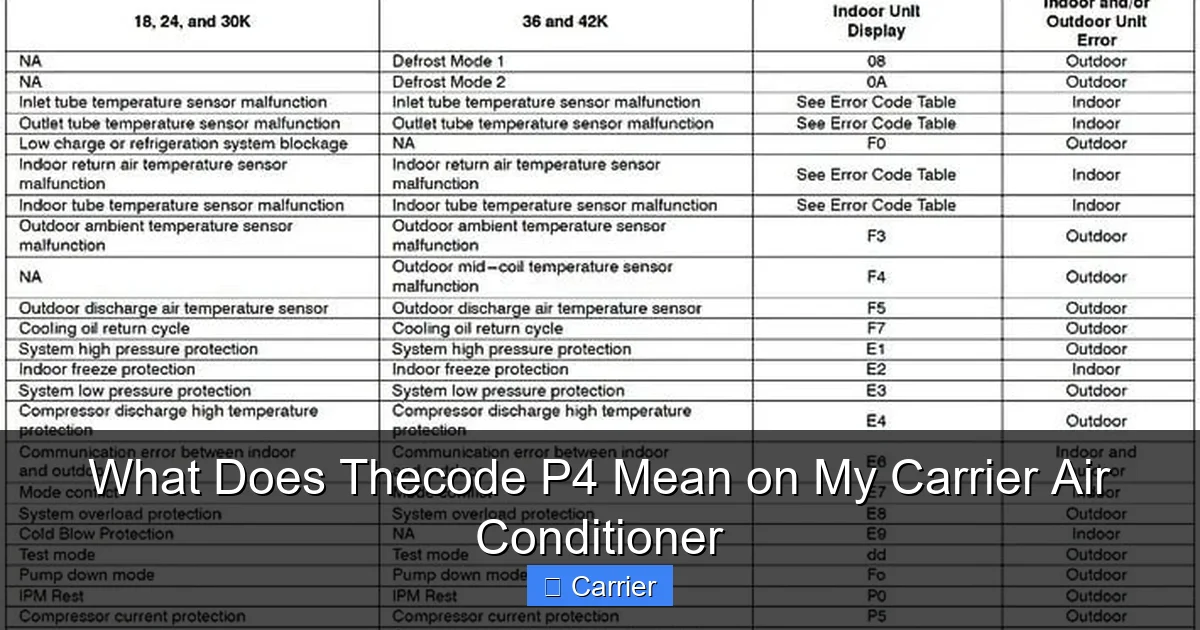
Visual guide about What Does Thecode P4 Mean on My Carrier Air Conditioner
Image source: i.pinimg.com
1. Turn Off the Power
Your safety comes first. Locate your circuit breaker panel and turn off power to the air conditioning unit. This prevents accidental shocks or damage during inspection. Wait about five minutes to ensure all capacitors discharge fully—this is especially important if you’ve just used the AC.
2. Inspect the Outdoor Unit
Head outside and take a close look at the condenser unit. Are there leaves, dirt, or debris blocking the fan? Use a soft brush or compressed air (not water) to gently clean around the fan housing. Make sure nothing is wrapped around the fan blades.
3. Check the Fan Motor
Manually spin the fan blades to see if they move freely. If they feel stiff or won’t turn, the motor bearings might be worn out. Also, listen for unusual noises—grinding or squealing could signal internal wear.
4. Examine Wiring Connections
Look at the wires connecting the fan motor to the control board. Loose, frayed, or corroded wires are a frequent culprit behind P4 errors. Tighten any loose screws and replace damaged wires if needed.
5. Reset the System
After making any adjustments, restore power and let the unit run for 10–15 minutes. Sometimes, a simple reset clears the error code. If the P4 doesn’t return, you’ve likely solved the issue!
6. Monitor Performance
If the code disappears but your AC still feels weak or loud, keep an eye on it over the next few days. Repeated P4 flashes mean deeper trouble—time to call in the experts.
Common Causes Behind the Carrier P4 Code
Understanding why the P4 appears helps you avoid future headaches. Let’s break down the usual suspects:
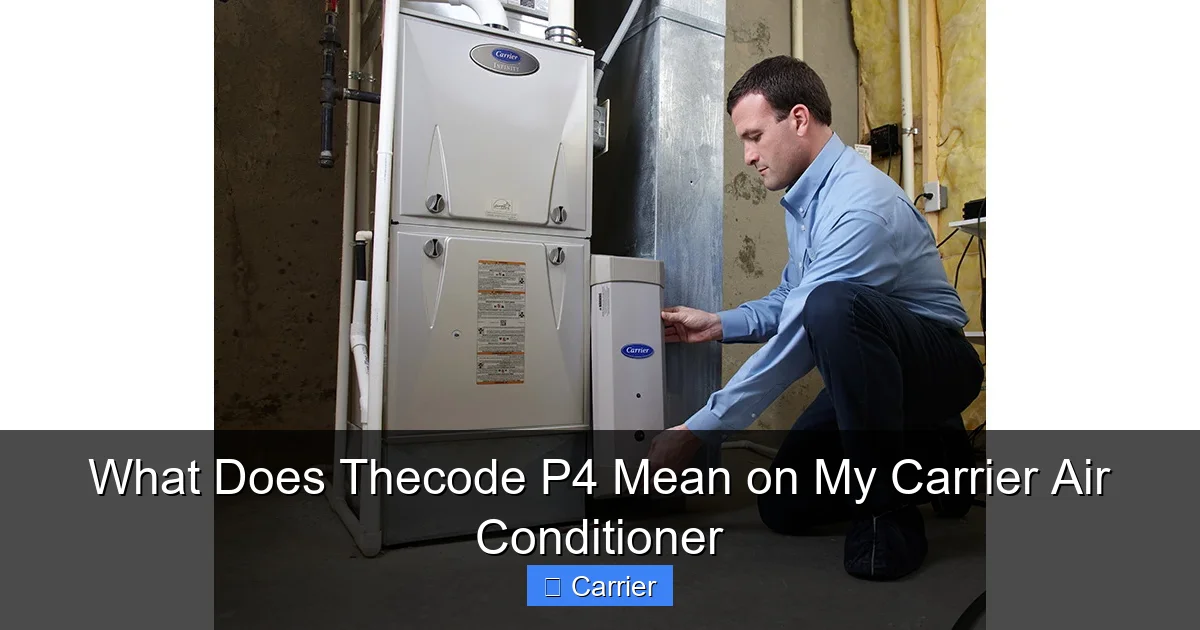
Visual guide about What Does Thecode P4 Mean on My Carrier Air Conditioner
Image source: acguided.com
Dirty or Blocked Fan Blades
Over time, dust, pollen, and yard debris accumulate on the fan blades. This buildup creates imbalance, strains the motor, and triggers the P4 alert. Regular cleaning every 3–6 months keeps things running smoothly.
Failing Capacitor
The capacitor stores electrical energy to kickstart the fan motor. As it ages, it loses efficiency and may fail to deliver enough power. A weak capacitor often results in slow fan rotation—or no spin at all—leading to overheating and the P4 warning.
Obstructed Airflow Around the Unit
Carrier recommends keeping at least 2 feet of clearance around the outdoor unit. Plants, furniture, or even snow can restrict airflow, causing the fan to overwork and shut down with a P4 error.
Worn Motor Bearings
Like any mechanical part, fan motors degrade. Worn bearings increase friction, making the motor work harder. Eventually, the system detects abnormal operation and displays P4.
Faulty Control Board
In rare cases, the issue isn’t the motor itself but the circuit board that controls it. Damaged relays or blown fuses on the board can mimic motor failure and trigger the same code.
When Should You Call a Professional?
DIY fixes work great for minor issues like cleaning or tightening connections. But if the P4 code keeps popping up despite your best efforts, it’s time to bring in a licensed HVAC technician. Signs you need professional help include:
- The error returns within minutes of resetting the system
- You hear grinding, buzzing, or burning smells from the outdoor unit
- The fan doesn’t spin manually at all
- Your electricity bill spikes dramatically after the first occurrence
- You’re uncomfortable with electrical work or don’t have the right tools
A certified technician has diagnostic equipment to test the motor, capacitor, and control board accurately. They can also check refrigerant levels and inspect internal wiring—tasks beyond most homeowners’ expertise.
Plus, Carrier offers extended warranty coverage for parts and labor under certain conditions. Calling an authorized dealer ensures genuine replacement parts and factory-trained service.
How to Prevent Future P4 Errors
Prevention beats cure when it comes to air conditioning. Follow these best practices to keep your Carrier unit humming along:
Schedule Annual Maintenance
Have a professional inspect your system once a year. Routine tune-ups catch small problems before they become big ones—and extend your unit’s lifespan by years.
Clean or Replace Filters Monthly
Dirty indoor filters force your AC to work harder, straining the entire system—including the outdoor fan. Swap them out every 30–90 days depending on usage.
Keep the Area Around the Unit Clear
Trim bushes, remove clutter, and avoid placing patio furniture too close. Good airflow protects the fan motor and improves efficiency.
Use a Surge Protector
Power surges can fry sensitive electronics like the control board. Plug your AC into a surge protector to shield it from voltage spikes.
Install a Smart Thermostat
Modern thermostats give you remote access, usage reports, and alerts for unusual activity. Some even notify you when the filter needs changing or if the system detects a fault.
Monitor Energy Usage
Unusually high electricity bills can signal hidden problems. Track your usage monthly and compare it to past seasons. A sudden jump might mean your AC is struggling—possibly due to a failing component.
Understanding Other Carrier Error Codes
While we’re on the topic of Carrier error codes, it helps to know what other numbers might appear. Here’s a quick reference:
- P0: No communication between indoor and outdoor units
- P1: Low refrigerant levels or pressure issues
- P3: High-pressure switch activation
- P5: Electrical overload or short circuit in the compressor
- P7: Indoor fan motor malfunction
- P8: Sensor reading anomalies
Each code points to a different subsystem, so context matters. For example, a P7 error affects the indoor blower fan, while P4 focuses on the outdoor unit. If you spot any of these, treat them seriously and address them promptly.
Real-Life Example: How One Homeowner Fixed Their P4 Code
Let’s say Sarah noticed her Carrier AC started showing P4 during last summer’s heatwave. Her house was getting warmer than usual, and the outdoor unit sounded louder than normal. Instead of ignoring it, she turned off the power, cleaned the fan blades, and checked for debris. Nothing obvious was stuck, but the fan still didn’t spin freely.
She called her HVAC contractor, who diagnosed a worn-out capacitor. After replacing it for $85, the P4 disappeared, and her AC cooled efficiently again. Sarah learned that early intervention saved her from a costly compressor repair later.
This story highlights why prompt action matters. Ignoring the P4 could’ve led to coil damage, frozen pipes, or even a complete system shutdown during peak demand.
Final Thoughts: Don’t Sweat the P4
Seeing that P4 light can feel stressful, but remember—it’s your AC’s way of asking for help. With the right knowledge and a bit of patience, most P4 issues are manageable. Start with basic checks: clean, reset, observe. If it persists, don’t hesitate to reach out to a trusted technician.
Your Carrier air conditioner is designed to last 15–20 years with proper care. By staying proactive about maintenance and understanding error codes like P4, you protect your investment and enjoy consistent comfort all season long.
And hey—if this article helped you feel more confident about your AC, share it with a friend who might need it. Knowledge is power, especially when summer rolls around.
Frequently Asked Questions
Is the P4 code dangerous for my Carrier AC?
Not immediately, but it signals a problem that can worsen over time. Ignoring it may lead to overheating, higher energy bills, or permanent damage. Address it soon for peace of mind.
Can I reset the P4 code myself?
Yes! Try turning off the power at the breaker for 5–10 minutes, then restore it. Many temporary glitches clear after a reset. If the code returns, investigate further or call a pro.
How much does it cost to fix a P4 error?
Simple fixes like cleaning or replacing a capacitor may cost $80–$150 total. More complex repairs, like motor or control board replacements, can run $300–$600. Get multiple quotes before proceeding.
Will the P4 code affect my warranty?
Self-tampering voids warranties, but professional repairs performed by an authorized Carrier dealer usually stay covered. Always mention the P4 error when scheduling service.
My Carrier model is old—does P4 still apply?
Yes, though older models may use different codes. Check your owner’s manual or look for labels inside the front panel. If unsure, contact Carrier support with your serial number.
Can weather cause the P4 code?
Extreme heat or humidity increases stress on the system, which might trigger false alarms. However, true P4 issues stem from mechanical or electrical faults—not just weather conditions.

