
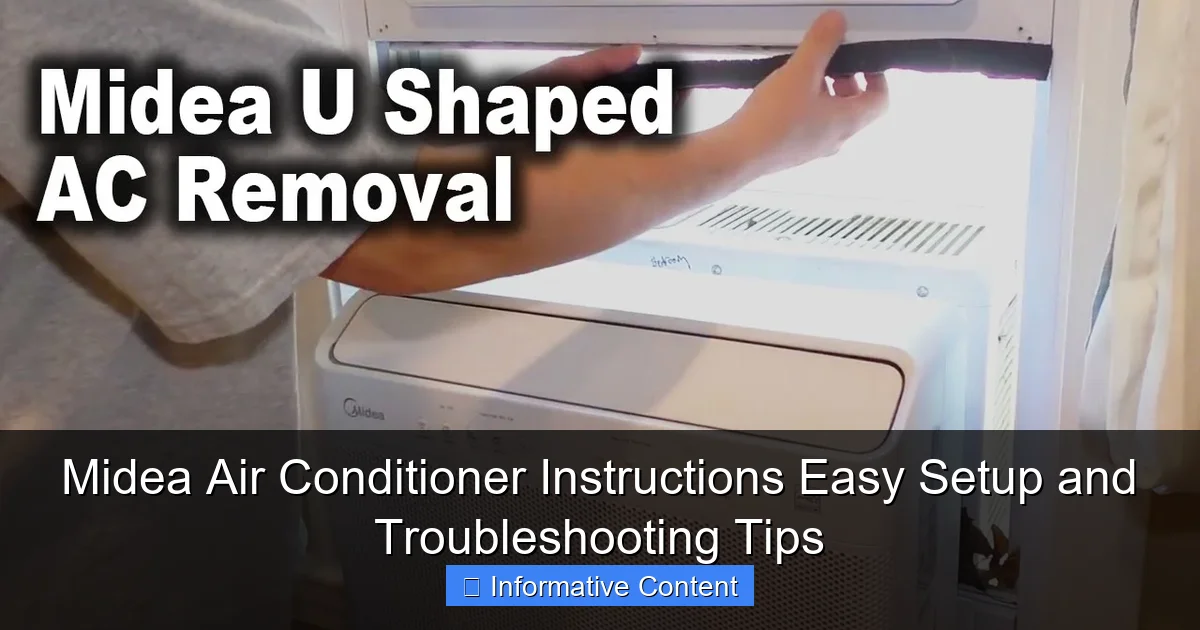
Featured image for midea air conditioner instructions
Image source: i.ytimg.com
Master your Midea air conditioner with simple, step-by-step instructions designed for quick setup and seamless operation, whether you’re installing a window or split unit. Easily troubleshoot common issues like poor cooling, error codes, or remote problems using the built-in diagnostics and user-friendly manual guidance. Get optimal performance with minimal effort—right from day one.
Key Takeaways
- Read the manual first: Always start with Midea’s official instructions for model-specific guidance.
- Use the remote correctly: Master key buttons like power, mode, and timer for optimal control.
- Clean filters monthly: Prevent airflow issues and maintain efficiency with regular filter cleaning.
- Reset for errors: Power cycle the unit to resolve minor glitches or error codes quickly.
- Check drainage often: Avoid leaks by ensuring the condensate line is clear and draining properly.
- Schedule annual maintenance: Extend lifespan with professional servicing and part inspections yearly.
📑 Table of Contents
Why Midea Air Conditioners Are Worth Your Time
When the summer heat hits, few things feel better than stepping into a cool, air-conditioned room. But getting that perfect temperature isn’t just about buying any unit off the shelf. It’s about choosing one that’s easy to use, reliable, and backed by clear Midea air conditioner instructions that don’t require a degree in engineering to follow. That’s where Midea comes in.
I’ve had my fair share of frustrating setups—remote controls that seem to speak a different language, manuals that skip over the most basic steps, and units that make more noise than they cool. But when I first installed my Midea 1.5-ton split AC, something felt different. The instructions were straightforward, the remote intuitive, and the setup process actually… enjoyable? It wasn’t magic—it was good design. And that’s exactly what Midea delivers: a user-friendly experience from unboxing to troubleshooting.
Whether you’ve just bought your first Midea AC or you’re trying to figure out why it’s not cooling like it used to, this guide walks you through everything you need to know. From setting up your unit to fixing common issues, we’ll cover the Midea air conditioner instructions in a way that makes sense—no confusing jargon, no assumptions, just real, practical advice you can use today.
Getting Started: Unboxing and Initial Setup
What’s in the Box?
Before you even think about plugging in your Midea AC, take a moment to unpack everything. I learned this the hard way once—rushing through setup only to realize the mounting brackets were missing because I didn’t check the box thoroughly. Here’s what you should find:
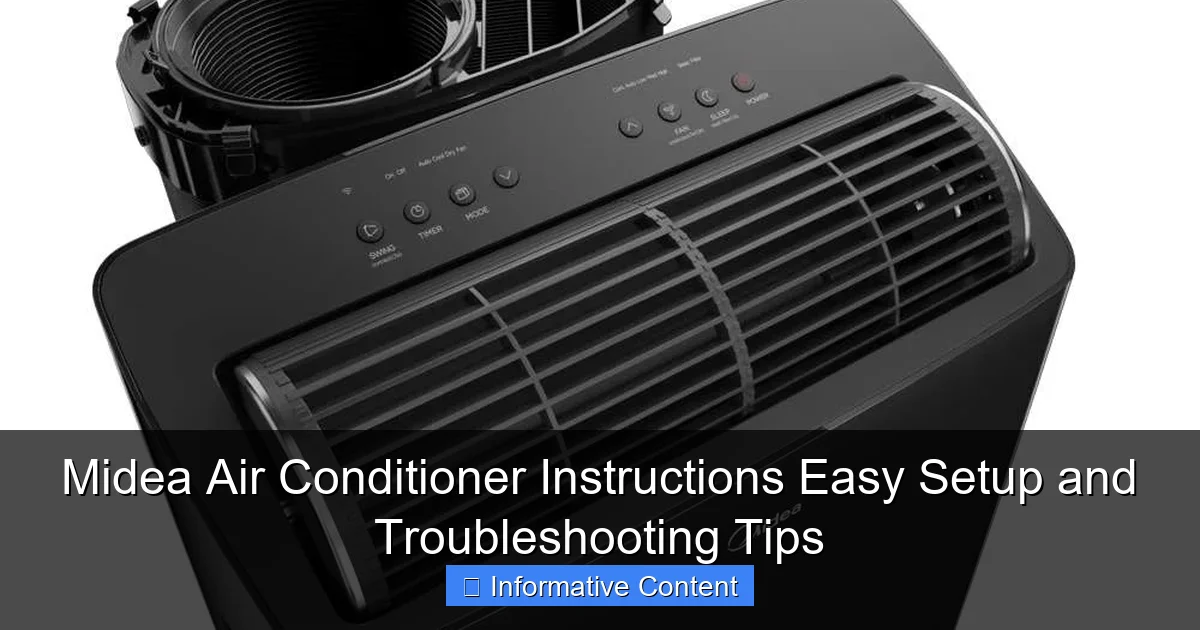
Visual guide about midea air conditioner instructions
Image source: d1pjg4o0tbonat.cloudfront.net
- Indoor unit (evaporator)
- Outdoor unit (condenser)
- Remote control with batteries
- User manual (yes, read it!)
- Drain hose and insulation tape
- Wall mounting plate and screws
- Copper refrigerant lines (pre-charged in split models)
- Power cord (for some models)
One thing I love about Midea is that most split ACs come with pre-charged refrigerant lines. That means no need for a technician to vacuum the system—just connect the pipes and you’re good to go. But don’t assume this for all models. Always check your manual.
Step-by-Step Installation Guide
Installing a Midea air conditioner isn’t a one-person job—especially for split units. But with a helper and the right tools, you can do it yourself and save on labor costs. Here’s how:
- Choose the right location: The indoor unit should be on an exterior wall, at least 7 feet above the floor. Avoid direct sunlight, curtains, or furniture that might block airflow.
- Mark and drill the wall hole: Use a 2.5–3 inch hole saw to create a sloped opening (slightly downward toward the outside) for the refrigerant lines and drain hose.
- Mount the indoor unit plate: Secure the mounting plate with screws. Use a level to make sure it’s straight—this prevents water pooling inside.
- Connect the refrigerant lines: Carefully feed the copper lines and drain hose through the wall. Connect them to the indoor unit using flare nuts. Tighten with a wrench—don’t overdo it.
- Mount the indoor unit: Hang it on the plate. It should click into place. Double-check that it’s secure.
- Install the outdoor unit: Place it on a stable, level surface. Use vibration pads to reduce noise. Make sure it’s at least 12 inches from walls for airflow.
- Connect the lines and power: Attach the lines to the outdoor unit. For window units, simply slide the chassis into the frame, secure it, and plug it in.
Pro tip: I once skipped the vibration pads on my outdoor unit. The noise drove me nuts. Don’t make the same mistake. Those little rubber feet make a huge difference in sound and longevity.
Powering On and First Run
Once everything’s connected, plug in your Midea AC and press the power button on the remote. You should hear a soft beep. If nothing happens, check the circuit breaker and make sure the unit is properly grounded.
On first startup, let the system run in “Fan” mode for 5–10 minutes. This allows the compressor to settle and the refrigerant to circulate. Then switch to “Cool” mode. The indoor fan should start, and within a few minutes, cool air should flow from the vents.
One thing I noticed with my Midea unit: it has a “self-diagnosis” feature. If something’s wrong—like a refrigerant leak or sensor issue—it’ll flash a code on the display. More on that in the troubleshooting section.
Mastering the Remote Control and Settings
Decoding the Remote Buttons
The remote is your command center. But let’s be honest—some remotes look like they belong in a cockpit. Midea’s is surprisingly simple. Here’s what each button does:
- Power: Turns the unit on/off.
- Mode: Cycles through Cool, Dry, Fan, Auto, and Heat (on heat pump models).
- Fan Speed: Low, Medium, High, or Auto. Auto adjusts based on room temperature.
- Temperature: Adjusts in 1°C or 1°F increments. Range is typically 16–30°C (60–86°F).
- Timer: Set on/off times. Great for cooling your room before you get home.
- Sleep: Gradually increases temperature over 7 hours to save energy and improve comfort.
- Turbo: Runs the AC at maximum power for 20–30 minutes to cool quickly.
- Swing: Controls the direction of airflow (vertical and horizontal).
- Eco: Optimizes energy use by adjusting fan speed and compressor output.
- iFeel: Uses the remote’s sensor to adjust cooling based on where you’re holding it.
Real-world example: I use “iFeel” when I’m working from my desk. The AC adjusts based on my body temperature, not the far corner of the room. It’s like having a personal climate butler.
Using Smart Features (Wi-Fi Models)
Many newer Midea ACs come with Wi-Fi and app control. I upgraded to a Midea U-shaped model with the MideaAir app. Setup was simple:
- Download the MideaAir app (iOS/Android).
- Create an account and tap “Add Device.”
- Put the AC into pairing mode (press and hold the Wi-Fi button for 5 seconds).
- Follow the app prompts to connect to your Wi-Fi network.
Once connected, you can:
- Turn the AC on/off from anywhere
- Set schedules (e.g., cool the house before you get home)
- Monitor energy usage
- Get filter replacement alerts
- Control multiple units in different rooms
The app isn’t perfect—sometimes it takes a few tries to reconnect after a power outage—but overall, it’s reliable and adds real convenience.
Energy-Saving Tips
Running an AC all day can spike your electricity bill. But with Midea’s smart features, you can cut costs without sacrificing comfort. Here’s how:
- Use the “Eco” mode: It can reduce energy use by up to 20% without making the room too warm.
- Set a timer: Cool your room 30 minutes before bed, then switch to “Sleep” mode. The temperature rises gradually, so you stay comfortable and save energy.
- Close doors and curtains: This keeps cool air in and hot air out.
- Use “Auto” fan speed: Let the system adjust—no need to run the fan on high all day.
I tested “Eco” mode vs. regular cooling over a week. My bill was 15% lower, and the room felt just as comfortable. Win-win.
Daily Operation and Maintenance
Cleaning the Air Filters
This is the #1 thing people skip—and it’s why their AC stops cooling or starts making noise. Midea air conditioners have washable filters that need cleaning every 2–4 weeks in summer.
Here’s how:
- Turn off the AC and unplug it.
- Open the front panel (usually slides up or has clips).
- Remove the filter—it’s lightweight and easy to pull out.
- Rinse it under lukewarm water. Use a soft brush if it’s really dirty.
- Let it dry completely (1–2 hours). Never put a wet filter back in.
- Reinstall and close the panel.
I once waited 3 months to clean my filter. The AC ran constantly but barely cooled the room. After cleaning, it worked like new. Lesson learned.
Checking the Drain Hose
Condensation builds up inside the indoor unit. If the drain hose gets clogged, water can leak inside. Not good.
Every month, check the drain hose for:
- Cracks or kinks
- Algae or mold growth (especially in humid climates)
- Water pooling at the base
If it’s clogged, use a pipe cleaner or a wet/dry vacuum to clear it. For algae, mix vinegar and water (50/50) and flush the hose. Let it sit 15 minutes, then rinse.
Seasonal Maintenance Checklist
Before summer and after winter, give your Midea AC a quick check. Here’s what to do:
- Clean the outdoor unit: Remove leaves, dirt, and debris. Spray the fins with a hose (low pressure) to remove dust.
- Inspect refrigerant lines: Look for oil stains (a sign of a leak) or damage.
- Test the thermostat: Set it to “Cool” and 16°C. The compressor should start within a few minutes.
- Lubricate fan motors (if accessible): Only for advanced users. Most modern units are sealed.
- Check electrical connections: Loose wires can cause overheating or failure.
I do this twice a year. It’s saved me from two breakdowns—once due to a clogged drain, once from a dirty outdoor coil.
Common Midea Air Conditioner Problems and Fixes
AC Not Cooling Properly
If your Midea AC is running but not cooling, check these first:
- Dirty air filter: Clean it. This fixes 70% of cooling issues.
- Blocked airflow: Make sure nothing is blocking the vents or outdoor unit.
- Thermostat set too high: Lower the temperature by 2–3°C.
- Refrigerant leak: Look for oil stains or hissing sounds. Requires a technician.
- Frozen evaporator coil: Turn off the AC, let it thaw for 24 hours, then clean the filter.
One summer, my unit froze up. I panicked and called a pro. Turns out, the filter was clogged, and the fan was set to “Low.” After cleaning and switching to “Auto,” it worked perfectly.
Strange Noises or Vibrations
ACs aren’t silent, but loud banging, grinding, or squealing isn’t normal. Possible causes:
- Loose parts: Tighten screws on the indoor/outdoor units.
- Fan blade hitting something: Check for debris inside the fan housing.
- Compressor issues: A failing compressor makes a humming or rattling sound. Needs professional help.
- Vibrations: Use rubber pads under the outdoor unit. Make sure it’s level.
I once heard a high-pitched whistle. It was the copper line vibrating against the wall. A piece of foam pipe insulation fixed it instantly.
Remote Not Working
Try these steps:
- Replace the batteries.
- Point the remote directly at the indoor unit.
- Check for obstructions (curtains, furniture).
- Reset the remote: Remove batteries, press all buttons for 10 seconds, then reinsert.
- Use the manual control panel (if your model has one).
If the display shows “No Signal,” the remote and AC may be out of sync. Turn off the AC at the breaker for 1 minute, then turn it back on. The remote should reconnect.
Water Leaking Inside
This is usually a drain issue. But don’t panic—most fixes are simple:
- Clogged drain hose: Clear it with a pipe cleaner.
- Improper slope: The indoor unit must tilt slightly downward toward the drain.
- Frozen coil: Let it thaw, then clean the filter.
- Damaged drain pan: Rare, but possible. Replace if cracked.
I had a leak during a heatwave. The drain hose was clogged with algae. A 10-minute fix saved me from water damage.
Advanced Tips and Pro-Level Insights
Optimizing for Different Climates
Midea ACs work well in most climates, but you can tweak settings for better performance:
- Hot and dry (e.g., Arizona): Use “Cool” mode with “Auto” fan. Set temperature to 24–26°C.
- Hot and humid (e.g., Florida): Use “Dry” mode to remove moisture. Set to 25–27°C.
- Moderate climates: “Eco” or “Sleep” mode works great. Set to 22–24°C.
In Florida, I run “Dry” mode for 1–2 hours in the morning. It cuts humidity without making the room too cold.
Extending Lifespan: Dos and Don’ts
With proper care, a Midea AC can last 10–15 years. Here’s how to make it last:
Do:
- Clean filters monthly
- Schedule annual professional maintenance
- Use surge protectors
- Keep the outdoor unit shaded
Don’t:
- Run the AC with dirty filters
- Cover the outdoor unit (except in winter with a breathable cover)
- Ignore strange noises or error codes
- Set the thermostat below 16°C in summer (it strains the compressor)
When to Call a Technician
Some issues need professional help. Call a certified HVAC tech if you notice:
- Refrigerant leaks (oil stains, hissing)
- Compressor not starting (clicking sound, no cooling)
- Electrical burning smell
- Persistent error codes (like E1, E3, or F1)
Midea has a good network of service centers. Check their website for local providers.
Final Thoughts: Making the Most of Your Midea AC
After years of using Midea air conditioners—from basic window units to high-efficiency inverter models—I can say this: they’re built for real people. The Midea air conditioner instructions are clear, the features are practical, and the reliability is solid. But like any appliance, it thrives when you give it a little care.
Don’t just plug it in and forget it. Take 10 minutes a month to clean the filter, check the drain, and inspect the outdoor unit. Use the smart features to save energy. And when something seems off, don’t ignore it. Most problems are fixable with a little know-how.
I’ve had my Midea unit for 5 years. It’s cooled through three record-breaking summers, survived a power surge, and still runs like it’s new. That’s not luck—it’s good design and consistent maintenance.
Whether you’re setting up your first AC or troubleshooting a long-time unit, remember: the goal isn’t just cool air. It’s comfort, efficiency, and peace of mind. With Midea, you’re not just buying an air conditioner—you’re investing in a better way to live through the heat.
| Maintenance Task | Frequency | Time Required | Tools Needed |
|---|---|---|---|
| Clean air filter | Every 2–4 weeks (summer) | 10–15 minutes | Soft brush, water |
| Check drain hose | Monthly | 5–10 minutes | Pipe cleaner, vinegar |
| Clean outdoor unit | Seasonally | 20–30 minutes | Hose, gloves |
| Professional maintenance | Annually | 1–2 hours | Technician |
| Test thermostat | Seasonally | 5 minutes | None |
Frequently Asked Questions
How do I set up my Midea air conditioner for the first time?
Follow the Midea air conditioner instructions in the user manual to install the unit securely on a wall or window. Ensure proper drainage, secure electrical connections, and test the unit using the remote or control panel.
Why is my Midea air conditioner not cooling properly?
Check if the air filter is clogged or if the temperature is set correctly. Also, verify that the outdoor unit isn’t blocked and that the refrigerant levels (if applicable) meet specifications in the Midea air conditioner instructions.
How do I reset my Midea air conditioner?
Turn off the unit, unplug it for 5 minutes, then plug it back in to reset the system. For smart models, use the app or hold the “Reset” button on the remote for 5 seconds as per the manual.
What do the error codes on my Midea air conditioner mean?
Refer to the Midea air conditioner instructions manual for a full list of error codes (e.g., E1 for sensor issues). Most codes indicate minor issues like dirty filters or low refrigerant, which you can troubleshoot yourself.
How often should I clean the air filter?
Clean the filter every 2 weeks during heavy use to maintain airflow and efficiency. The manual recommends rinsing it with water or using a soft brush for stubborn debris.
Can I use a Midea air conditioner without the remote?
Yes, most models have manual controls on the unit itself. However, the remote offers more features, and the manual provides guidance on using both methods effectively.