
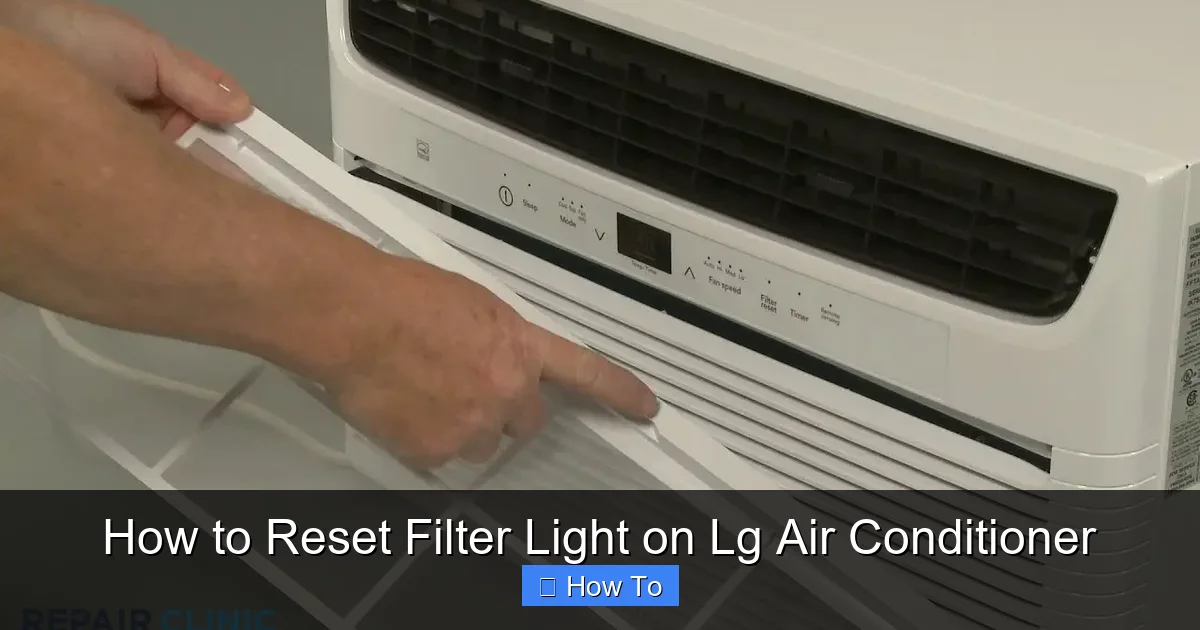
Is your LG air conditioner’s filter light blinking or staying on? This guide walks you through the simple process of resetting the filter light on various LG AC models in 2026. Keep your unit running efficiently and avoid unnecessary service calls with this quick fix.
Key Takeaways
- Resetting the filter light is quick and easy: Most LG air conditioners allow you to reset the filter light in under two minutes using the remote control or control panel.
- Regular maintenance prevents recurring alerts: Cleaning or replacing your air filter every 1–3 months helps avoid frequent filter light warnings.
- Different models have different reset methods: Window units, split systems, and portable ACs may require slightly different steps—always check your model type first.
- Use the correct button combination: On many LG units, holding the “Filter” or “Reset” button for 3–5 seconds resets the indicator.
- Power cycling can help if the reset fails: Turning the unit off, unplugging it for 60 seconds, and restarting often resolves unresponsive systems.
- Smart models may require app-based resets: LG ThinQ-enabled ACs can sometimes be reset via the LG ThinQ app if the remote method doesn’t work.
- Persistent lights may indicate deeper issues: If the filter light returns immediately after reset, check for clogged filters, sensor problems, or airflow blockages.
How to Reset Filter Light on LG Air Conditioner
Keeping your LG air conditioner running smoothly isn’t just about comfort—it’s about efficiency, air quality, and longevity. One of the most common maintenance reminders you’ll encounter is the filter light. This handy indicator lets you know when it’s time to clean or replace your air filter. But what happens after you’ve done the cleaning? The light might still be on. That’s where knowing how to reset the filter light on your LG air conditioner becomes essential.
In this comprehensive 2026 guide, you’ll learn exactly how to reset the filter light on a wide range of LG air conditioning units—whether you have a window AC, a ductless mini-split, a portable unit, or a smart model connected to the LG ThinQ app. We’ll walk you through step-by-step instructions, highlight model-specific differences, share practical tips, and help you troubleshoot if the reset doesn’t work the first time.
By the end of this guide, you’ll be able to confidently manage your LG AC’s filter maintenance cycle, keep your system running at peak performance, and avoid unnecessary service calls. Let’s get started!
Why Does the Filter Light Come On?
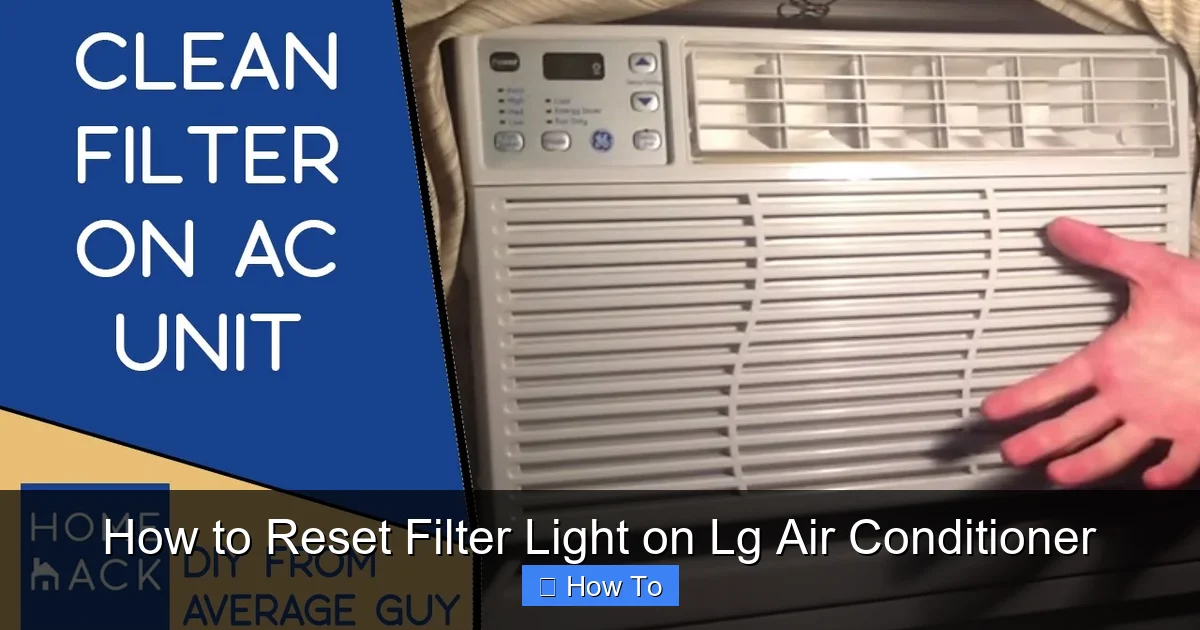
Visual guide about How to Reset Filter Light on Lg Air Conditioner
Image source: i.ytimg.com
Before diving into the reset process, it’s helpful to understand why the filter light appears in the first place. LG air conditioners are equipped with intelligent sensors that monitor airflow and filter condition. When the system detects reduced airflow—often due to a dirty or clogged filter—it triggers the filter light as a reminder to clean or replace the filter.
This feature is designed to:
– Improve indoor air quality by ensuring clean filters trap dust, pollen, and allergens.
– Maintain energy efficiency, as a clogged filter forces the AC to work harder.
– Extend the lifespan of your unit by reducing strain on internal components.
Most LG models are programmed to activate the filter light after approximately 250 hours of operation. This is a general estimate and may vary slightly depending on usage and environmental factors. Once the filter is cleaned or replaced, the light should be reset manually—otherwise, it will continue to glow or blink, even if the filter is now clean.
Ignoring the filter light not only affects performance but can also lead to higher energy bills and potential damage to your AC over time. That’s why resetting the light promptly after maintenance is a smart habit.
Tools and Preparation
Resetting the filter light on your LG air conditioner typically requires no special tools. However, a little preparation ensures a smooth process.
Gather What You Need
- Your LG air conditioner remote control (most common method)
- Access to the unit’s control panel (for models without remotes)
- A clean or new air filter (if you haven’t already replaced it)
- A stable power source (ensure the unit is plugged in and powered)
Check Your Model Type
LG offers several types of air conditioners, and the reset method can vary slightly:
– Window units
– Split systems (ductless mini-splits)
– Portable air conditioners
– Smart ACs with Wi-Fi and app connectivity
Knowing your model helps you follow the correct steps. You can usually find the model number on a label inside the front panel or on the side of the unit. If you’re unsure, check your user manual or visit LG’s official support website and enter your model number for specific instructions.
Ensure the Filter Is Clean or Replaced
Before resetting the light, confirm that the filter has been properly cleaned or replaced. A reset won’t solve the underlying issue if the filter is still dirty. Most LG filters are washable—rinse them under lukewarm water, let them dry completely, and reinstall. If the filter is damaged or over 6 months old, consider replacing it with a genuine LG filter for optimal performance.
Step-by-Step Guide to Reset the Filter Light
Now that you’re prepared, let’s walk through the reset process. The method may vary slightly depending on your LG AC model, but the core steps remain consistent.
Method 1: Using the Remote Control (Most Common)
This is the standard method for the majority of LG window, split, and portable air conditioners.
Step 1: Turn On the Air Conditioner
Make sure your LG AC is powered on and running. The remote should be within range (usually up to 20 feet).
Step 2: Locate the “Filter” or “Reset” Button
On most LG remotes, there’s a dedicated button labeled “Filter” or “Reset.” It may also be marked with a filter icon (a small rectangle with diagonal lines). If you don’t see it, check the side or bottom of the remote.
Step 3: Press and Hold the Button
Press and hold the “Filter” or “Reset” button for 3 to 5 seconds. You’ll usually hear a beep or see the filter light blink and then turn off. This indicates the reset was successful.
Step 4: Confirm the Light Is Off
Check the control panel on the AC unit. The filter light should no longer be illuminated. If it’s still on, try the process again or move to the troubleshooting section.
Method 2: Using the Control Panel (No Remote)
If you’ve lost your remote or it’s not working, you can reset the filter light directly from the unit.
Step 1: Access the Control Panel
Open the front panel of your LG air conditioner to reveal the control buttons. On window and portable units, this is usually a small panel near the top.
Step 2: Find the “Filter” or “Function” Button
Look for a button labeled “Filter,” “Function,” or “Mode.” Some models require you to press the “Mode” button multiple times to cycle to the filter reset option.
Step 3: Press and Hold
Press and hold the appropriate button for 3–5 seconds until the filter light turns off. You may see a brief flash or hear a beep.
Step 4: Close the Panel and Test
Close the front panel securely and turn the AC back on to confirm the light remains off.
Method 3: For LG Smart Air Conditioners (ThinQ App)
If your LG AC is Wi-Fi enabled and connected to the LG ThinQ app, you can reset the filter light remotely.
Step 1: Open the LG ThinQ App
Launch the app on your smartphone or tablet. Ensure your AC is connected to the same Wi-Fi network.
Step 2: Select Your Air Conditioner
Tap on your AC unit from the device list.
Step 3: Navigate to Settings or Maintenance
Look for a “Maintenance,” “Filter,” or “Settings” option. Some models display a filter icon directly on the main screen.
Step 4: Reset the Filter Indicator
Tap “Reset Filter” or a similar option. The app will send a signal to the unit, and the filter light should turn off within a few seconds.
Step 5: Confirm on the Unit
Check the physical control panel to ensure the light is off. If not, try the remote method as a backup.
Method 4: Power Cycling (Universal Fix)
If none of the above methods work, a power cycle can often resolve the issue.
Step 1: Turn Off the AC
Use the remote or control panel to turn off the air conditioner.
Step 2: Unplug the Unit
Disconnect the AC from the power outlet. For window units, this means unplugging the cord. For split systems, you may need to turn off the circuit breaker.
Step 3: Wait 60 Seconds
Leave the unit unplugged for at least one minute. This allows the internal electronics to fully reset.
Step 4: Plug Back In and Restart
Reconnect the power and turn the AC back on. The filter light should now be reset. If it reappears immediately, there may be an underlying issue.
Model-Specific Reset Instructions
While the general methods apply to most LG air conditioners, some models have unique features or button layouts. Here’s a quick reference for popular 2026 LG AC series.
LG Window Air Conditioners (e.g., LW8016ER, LW1216ER)
– Use the remote’s “Filter” button.
– Hold for 3 seconds until the light turns off.
– If no remote, press and hold the “Function” button on the unit.
LG Dual Inverter Window ACs (e.g., LW1019IVSM)
– These models often have a digital display.
– Press “Menu” > “Filter Reset” > confirm.
– Alternatively, hold the “Filter” button on the remote.
LG Ductless Mini-Split Systems (e.g., LSU120HSV5)
– Use the remote’s “Filter” button.
– Some models require pressing “Timer” and “Filter” simultaneously for 3 seconds.
LG Portable Air Conditioners (e.g., LP1419IVSM)
– Look for a “Filter” button on the control panel.
– Hold for 5 seconds until the light blinks and turns off.
LG Smart ACs with ThinQ (e.g., LW1522IVSM)
– Reset via the LG ThinQ app or remote.
– App method is preferred for convenience.
Always refer to your user manual for model-specific guidance. If you’ve misplaced it, download a copy from LG’s support website using your model number.
Practical Tips for Maintaining Your LG AC Filter
Resetting the filter light is only part of the equation. To keep your LG air conditioner running efficiently and avoid frequent alerts, follow these best practices.
Clean the Filter Regularly
– Inspect the filter every 2–4 weeks, especially during peak usage seasons.
– Wash reusable filters with mild soap and water. Avoid harsh chemicals.
– Let the filter dry completely before reinstalling—moisture can promote mold growth.
Replace Filters When Needed
– Even washable filters degrade over time. Replace them every 6–12 months.
– Use genuine LG filters for optimal fit and performance.
– Consider upgrading to a high-efficiency filter if you have allergies or pets.
Check for Airflow Obstructions
– Ensure vents and air intakes are not blocked by furniture, curtains, or debris.
– Keep the outdoor unit (for split systems) clear of leaves and dirt.
Schedule Annual Professional Maintenance
– While DIY filter care is essential, a professional technician can inspect coils, refrigerant levels, and electrical components.
– Aim for a service check once a year, preferably before summer.
Use the AC Wisely
– Avoid running the AC continuously at very low temperatures.
– Use programmable timers or smart scheduling to reduce runtime when not needed.
Troubleshooting: What If the Filter Light Won’t Reset?
Sometimes, despite following the steps correctly, the filter light remains on. Here’s how to diagnose and fix common issues.
Issue 1: Light Resets But Comes Back Immediately
This suggests the system still detects a problem.
– Double-check that the filter is clean and properly installed.
– Ensure the filter door or panel is fully closed—some models have a safety switch.
– Inspect for dust buildup inside the unit. Use a vacuum with a brush attachment to clean the evaporator coils.
Issue 2: No Response from Remote or Buttons
– Replace the remote batteries.
– Check for obstructions between the remote and the AC sensor.
– Try resetting using the control panel instead.
Issue 3: Filter Light Blinks Continuously
A blinking light may indicate a different error code.
– Consult your user manual for blink patterns (e.g., 2 blinks = sensor issue).
– Power cycle the unit and try the reset again.
– If the problem persists, contact LG customer support.
Issue 4: Smart AC Not Responding to App
– Ensure the AC is connected to Wi-Fi.
– Restart the LG ThinQ app and your smartphone.
– Reconnect the AC to the app if necessary.
– Use the remote as a fallback method.
Issue 5: Physical Damage to Filter or Sensor
– If the filter is torn or the sensor appears damaged, replacement may be needed.
– Contact LG support or a certified technician for assistance.
When to Call a Professional
While resetting the filter light is a simple task, some situations warrant professional help:
– The filter light returns within days of resetting.
– You notice unusual noises, reduced cooling, or water leaks.
– The unit fails to turn on or responds erratically.
– You suspect electrical or refrigerant issues.
LG offers excellent customer support and service networks. Use the LG Support website or app to schedule a technician visit if needed.
Conclusion
Resetting the filter light on your LG air conditioner is a quick and easy task that ensures your unit continues to operate efficiently and effectively. Whether you’re using a remote, the control panel, or the LG ThinQ app, the process takes just a few seconds once you know the right steps.
By maintaining a regular filter cleaning schedule and resetting the light promptly, you’ll enjoy better air quality, lower energy bills, and a longer lifespan for your AC. In 2026, with advancements in smart technology and user-friendly designs, LG continues to make home comfort accessible to everyone.
Remember: a clean filter is the heart of a healthy air conditioner. Don’t let a persistent filter light disrupt your comfort—take action today and keep your LG AC running like new.