
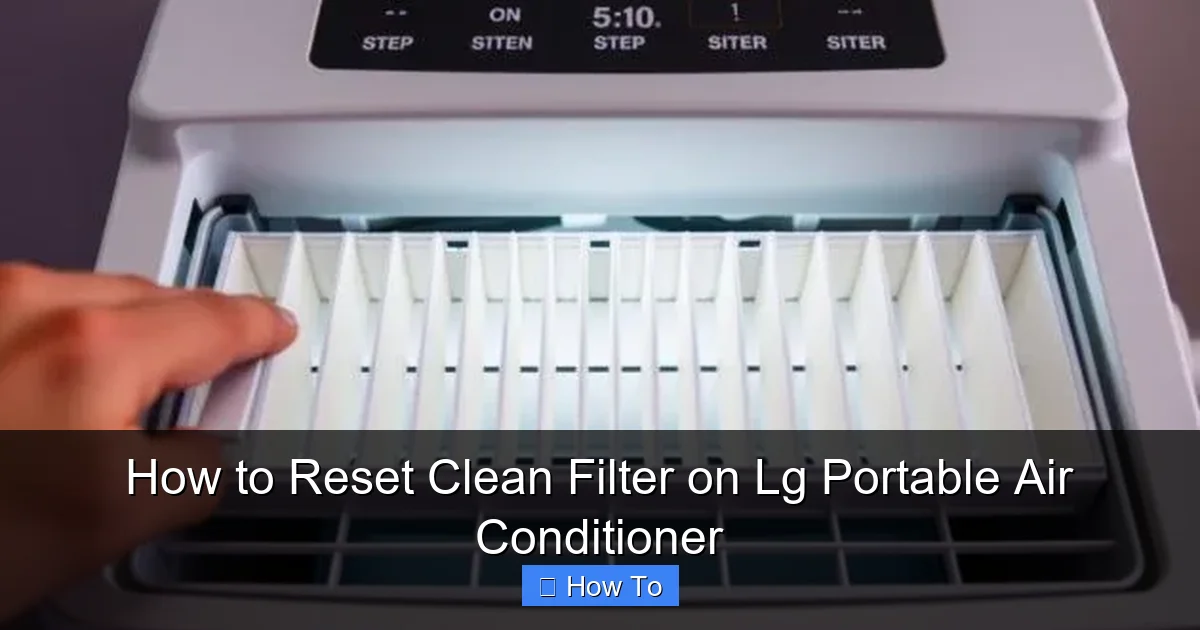
Resetting the clean filter on your LG portable air conditioner is essential for maintaining optimal performance and indoor air quality. This guide walks you through the process clearly, safely, and efficiently—no technical skills required.
Key Takeaways
- Regular filter maintenance improves air quality: Cleaning and resetting the filter ensures your LG portable AC removes dust, allergens, and odors effectively.
- The reset process is simple and takes under 5 minutes: Most models use a button combination or automatic detection after filter reinstallation.
- Ignoring the filter light can reduce efficiency: A clogged filter forces the unit to work harder, increasing energy use and wear on components.
- Always power off the unit before cleaning: Safety first—unplugging prevents electrical hazards during maintenance.
- Use genuine LG replacement filters when needed: Third-party filters may not fit properly or trigger the reset correctly.
- Schedule monthly cleanings during peak usage: Frequent use in summer months demands more consistent filter care.
- The “Clean Filter” indicator varies by model: Some units flash a light, while others display a message on the LED screen.
How to Reset Clean Filter on LG Portable Air Conditioner
Keeping your LG portable air conditioner running smoothly isn’t just about comfort—it’s about health, efficiency, and longevity. One of the most overlooked yet critical maintenance tasks is resetting the clean filter indicator after cleaning or replacing the filter. If you’ve ever seen that persistent “Clean Filter” light blinking on your unit and wondered how to make it go away, you’re in the right place.
In this comprehensive 2026 guide, we’ll walk you through everything you need to know about resetting the clean filter on your LG portable air conditioner. Whether you’re dealing with a newer model featuring smart diagnostics or an older unit with basic controls, we’ve got you covered. You’ll learn why this step matters, how to identify your specific model type, step-by-step reset instructions, troubleshooting tips, and best practices for ongoing maintenance.
By the end of this guide, you’ll be able to confidently maintain your LG portable AC like a pro—saving energy, improving air quality, and extending the life of your appliance.
Why Resetting the Clean Filter Matters
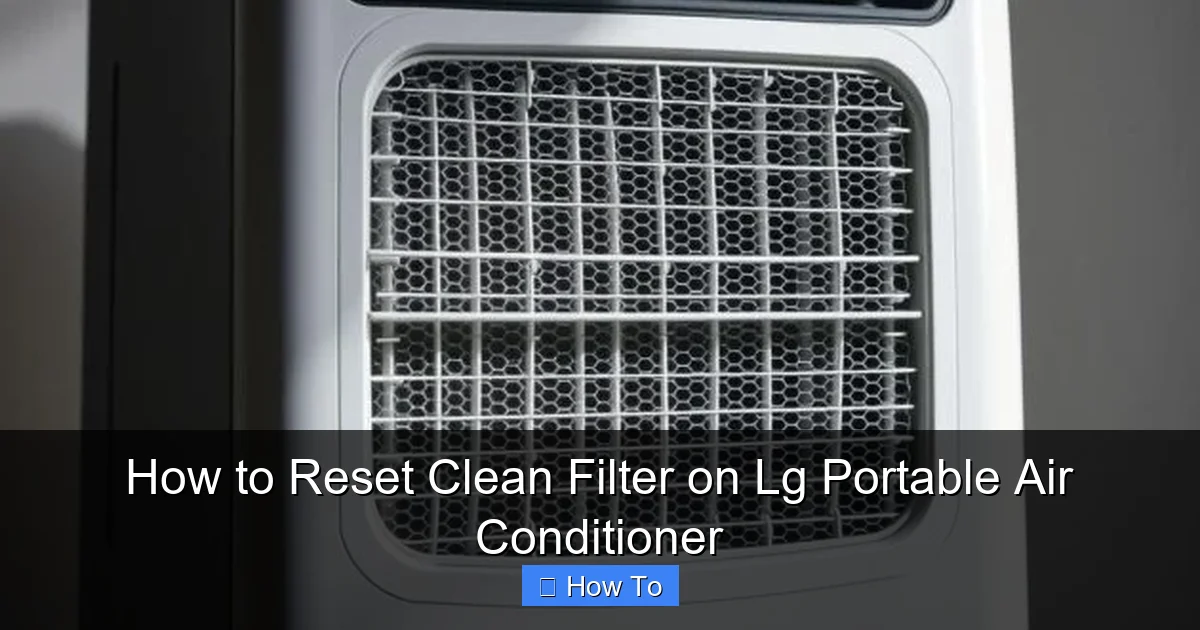
Visual guide about How to Reset Clean Filter on Lg Portable Air Conditioner
Image source: airconmag.com
Before diving into the “how,” let’s talk about the “why.” The clean filter indicator on your LG portable air conditioner isn’t just a nagging reminder—it’s a vital part of the unit’s self-monitoring system. When the filter becomes clogged with dust, pet dander, pollen, or other airborne particles, airflow is restricted. This forces the compressor and fan to work harder, which can lead to:
– Increased energy consumption (and higher utility bills)
– Reduced cooling performance
– Overheating and potential component damage
– Poor indoor air quality, especially for allergy or asthma sufferers
LG designs its portable ACs with built-in sensors that detect reduced airflow or extended runtime, triggering the “Clean Filter” alert. Once you’ve cleaned or replaced the filter, the system needs to be told that maintenance is complete—hence, the reset.
Failing to reset the indicator means the unit may continue to operate under the assumption that the filter is dirty, potentially limiting performance or triggering unnecessary error codes. In some 2026 models, the system may even enter a protective mode that reduces fan speed until the reset is performed.
Think of it like resetting the oil change light in your car: the job is done, but the system doesn’t know it until you tell it.
Identifying Your LG Portable Air Conditioner Model
LG offers a wide range of portable air conditioners, and the reset procedure can vary slightly depending on the model year, series, and features. As of 2026, most LG portable ACs fall into one of three categories:
1. **Basic Models (e.g., LP0817WSR, LP1217GSR):** These units typically have a simple control panel with physical buttons and an LED indicator light.
2. **Smart Models with Wi-Fi (e.g., LP1419IVSM, LP1219IVSM):** These connect to the LG ThinQ app and may allow remote reset via smartphone.
3. **Advanced Models with Digital Displays (e.g., LP1420GXR, LP1220GXR):** These feature full LED screens showing detailed messages like “CLEAN FILTER” or “FILTER RESET.”
To find your exact model number:
– Check the label on the back or side of the unit.
– Look inside the user manual (often available online at LG’s support site).
– Use the LG ThinQ app if your unit is connected—it will display the model info.
Knowing your model helps determine the correct reset method. For example, smart models may offer app-based resets, while older units rely solely on button combinations.
Step-by-Step Guide to Resetting the Clean Filter
Now, let’s get to the main event: resetting the clean filter indicator. Follow these steps carefully based on your model type. Always ensure the unit is unplugged before beginning any maintenance.
Step 1: Turn Off and Unplug the Unit
Safety is paramount. Before touching any part of your portable air conditioner:
– Press the Power button to turn off the unit.
– Unplug it from the wall outlet.
– Wait at least 2–3 minutes to allow capacitors to discharge.
This prevents accidental startup and reduces the risk of electric shock.
Step 2: Locate and Remove the Air Filter
Most LG portable ACs have a removable front or side panel that houses the air filter.
– Look for a grille or panel on the front or side of the unit—usually marked with arrows or a latch.
– Gently pull the panel outward or slide it upward/downward to release it.
– Carefully remove the filter. It’s typically a mesh or foam panel that may be washable or replaceable.
If you’re unsure, consult your user manual—filter location varies by model. For example:
– LP0817WSR: Front panel, bottom edge
– LP1419IVSM: Side panel with magnetic latch
Step 3: Clean or Replace the Filter
Once the filter is out, inspect it for dirt, mold, or damage.
– For washable filters: Rinse under lukewarm water. Use a mild detergent if needed, but avoid harsh chemicals. Let it air-dry completely—never reinstall a damp filter.
– For disposable filters: Replace with a genuine LG replacement (e.g., part #5230A20004B). Avoid generic brands, as they may not fit properly or trigger the reset correctly.
Tip: Clean your filter every 2–4 weeks during heavy use (summer months) and monthly during lighter use.
Step 4: Reinstall the Filter and Panel
Once the filter is clean and dry:
– Slide it back into place, ensuring it sits flat and secure.
– Reattach the front or side panel until it clicks or locks into position.
Double-check that everything is snug—loose panels can cause air leaks or trigger false error messages.
Step 5: Plug In and Power On the Unit
– Plug the unit back into a grounded outlet.
– Press the Power button to turn it on.
Wait 1–2 minutes for the system to initialize. The “Clean Filter” light should either turn off automatically or require a manual reset.
Step 6: Perform the Filter Reset (Model-Specific)
This is where things differ by model. Below are the most common reset methods for 2026 LG portable ACs.
Method A: Automatic Reset (Most 2026 Models)
Many newer LG portable air conditioners (especially those released in 2024–2026) feature automatic filter detection. After you reinstall a clean filter and power on the unit, the system senses the change and resets the indicator automatically.
– Wait 2–3 minutes after powering on.
– If the “Clean Filter” light turns off, you’re done!
This is the easiest scenario—no buttons to press.
Method B: Button Combination Reset (Older or Basic Models)
If the light remains on, your model likely requires a manual reset using the control panel.
Common button sequences include:
– Press and hold the “Filter” or “Clean Filter” button for 3–5 seconds.
– On models without a dedicated filter button: Press and hold the “Mode” and “Fan Speed” buttons simultaneously for 5 seconds.
– On some units: Press the “Timer” button three times within 10 seconds.
Refer to your user manual for the exact sequence. If you’ve lost the manual, search “LG [your model number] user manual PDF” on LG’s official support site.
Example: On the LP1217GSR, press and hold the “Filter” button for 3 seconds until the light turns off.
Method C: Reset via LG ThinQ App (Smart Models)
For Wi-Fi-enabled models like the LP1419IVSM:
– Open the LG ThinQ app on your smartphone.
– Select your air conditioner from the device list.
– Tap “Settings” or “Maintenance.”
– Look for “Filter Reset” or “Clean Filter Reset” and tap it.
– Confirm the action.
The app will send a signal to the unit, and the indicator should turn off within 30 seconds.
Note: Ensure your phone and AC are connected to the same Wi-Fi network.
Method D: Digital Display Reset (Advanced Models)
Units with full LED screens (e.g., LP1420GXR) may display a “FILTER RESET?” prompt after filter reinstallation.
– Use the arrow buttons to navigate to “Yes” or “Reset.”
– Press “Enter” or “OK.”
– The screen will confirm “Filter Reset Complete.”
If no prompt appears, go to the menu:
– Press “Menu” > “Maintenance” > “Filter Reset” > “Execute.”
Step 7: Verify the Reset
After performing the reset:
– Check that the “Clean Filter” light is off.
– Listen for normal fan and compressor operation.
– Monitor the unit over the next 24 hours to ensure no error codes reappear.
If the light comes back on immediately, double-check that the filter is properly seated and clean.
Troubleshooting Common Issues
Even with careful steps, you might encounter hiccups. Here’s how to handle the most common problems.
The “Clean Filter” Light Won’t Turn Off
Possible causes:
– Filter not fully dry: Moisture can trigger sensors. Let it dry 24 hours.
– Improper installation: Ensure the filter is flat and the panel is securely closed.
– Faulty sensor: Rare, but possible. Contact LG support if the issue persists after multiple resets.
– Wrong filter type: Using a non-LG filter may not trigger the reset. Replace with a genuine part.
Unit Won’t Power On After Reset
– Check the power cord and outlet.
– Ensure the water tank isn’t full (some models shut off if the drain tank is full).
– Reset the circuit breaker if tripped.
Error Codes Appear After Reset
Common codes:
– “E1” or “CH 01”: Filter issue—recheck installation.
– “E2” or “CH 02”: Sensor malfunction—contact support.
– “E3”: Drain tank full—empty and reset.
Refer to your manual for model-specific error code meanings.
App Reset Not Working
– Ensure the unit is connected to Wi-Fi.
– Restart the LG ThinQ app and your phone.
– Re-pair the device if necessary.
Best Practices for Filter Maintenance in 2026
Resetting the filter is just one part of the equation. To keep your LG portable AC in peak condition, follow these expert-recommended practices:
Clean Monthly (or More Often)
– During summer or high-pollen seasons, clean the filter every 2–3 weeks.
– In dusty environments (e.g., near construction or pets), inspect weekly.
Use Genuine LG Filters
Generic filters may save money upfront but can cause fit issues, reduced efficiency, or reset failures. Genuine LG filters are designed to exact specifications and often include antimicrobial coatings.
Check for Mold and Odors
If you notice a musty smell, the filter or interior may have mold. Clean with a vinegar-water solution (1:1 ratio) and ensure thorough drying.
Keep the Area Around the Unit Clean
Dust and debris near the intake vent can clog the filter faster. Vacuum the surrounding area regularly.
Schedule Professional Maintenance Annually
While filter cleaning is DIY-friendly, have a certified technician inspect the coils, refrigerant levels, and internal components once a year—especially before summer.
Conclusion
Resetting the clean filter on your LG portable air conditioner is a quick, simple task that pays big dividends in performance, efficiency, and air quality. Whether your 2026 model resets automatically or requires a button press, following the steps in this guide ensures you’ll never be stuck with a blinking light again.
Remember: regular maintenance isn’t optional—it’s essential. By cleaning your filter on schedule and resetting the indicator correctly, you’ll enjoy cooler air, lower energy bills, and a longer-lasting appliance.
Don’t wait for the light to come on. Make filter care part of your seasonal routine. Your LG portable AC—and your lungs—will thank you.