
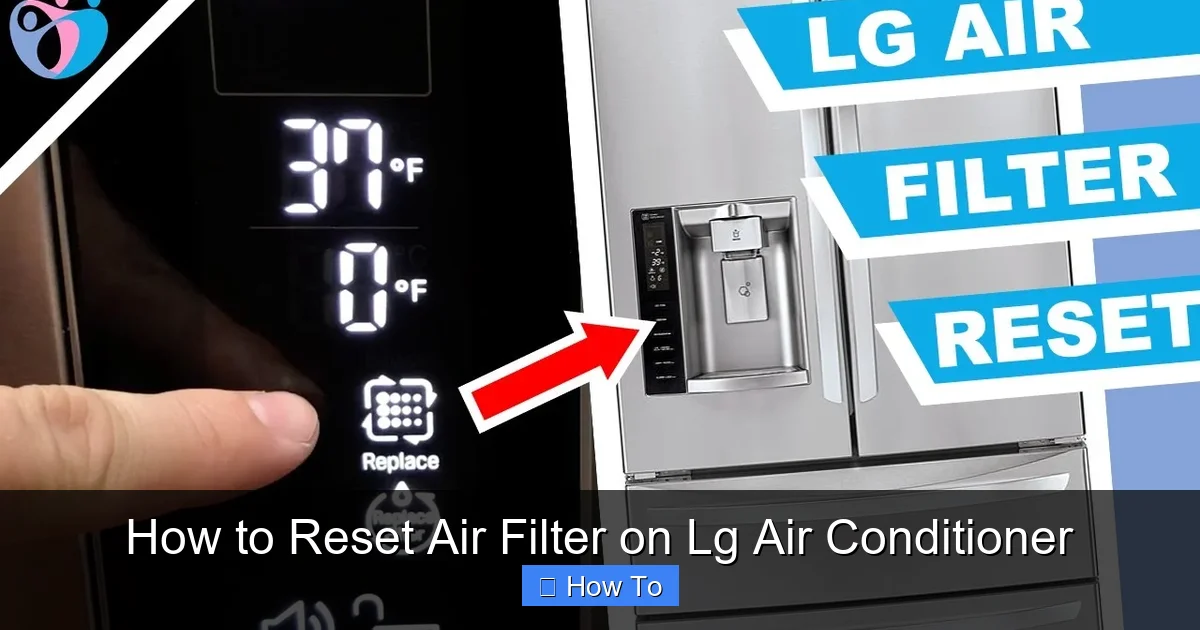
This guide walks you through how to reset the air filter on an LG air conditioner in just a few simple steps. Whether you’ve cleaned or replaced your filter, resetting the indicator ensures your unit runs smoothly and alerts you when maintenance is next due.
Key Takeaways
- Regular filter maintenance improves air quality and AC efficiency. A clean filter reduces strain on your system and lowers energy bills.
- LG air conditioners have a built-in filter reset function. This feature tracks usage and reminds you when it’s time to clean or replace the filter.
- Resetting the filter is quick and requires no tools. Most models allow you to reset the indicator using the remote control or control panel.
- Always power off the unit before handling the filter. This ensures safety and prevents accidental damage to internal components.
- Check your user manual for model-specific instructions. While most LG ACs follow similar steps, some newer 2026 models may have updated interfaces.
- Reset the filter after every cleaning or replacement. Skipping this step means the system won’t accurately track filter life.
- Use genuine LG filters for best performance. Third-party filters may not fit properly or trigger the reset function correctly.
Introduction: Why Resetting Your LG Air Conditioner Filter Matters
Keeping your LG air conditioner running smoothly isn’t just about comfort—it’s about efficiency, air quality, and longevity. One of the most overlooked yet essential maintenance tasks is resetting the air filter indicator after cleaning or replacing the filter. In 2026, LG continues to lead the HVAC industry with smart, user-friendly systems that monitor filter usage and alert you when maintenance is needed. But if you don’t reset the filter after servicing it, your AC might keep showing a “filter dirty” warning—even when the filter is brand new.
This guide will walk you through how to reset the air filter on an LG air conditioner in clear, easy-to-follow steps. Whether you own a window unit, a split system, or a ductless mini-split, the process is similar across most LG models. By the end of this article, you’ll know exactly how to keep your AC running efficiently, reduce energy consumption, and breathe cleaner air.
We’ll cover everything from locating your filter to troubleshooting common issues. Plus, we’ll share expert tips to help you maintain your unit like a pro. Let’s get started!
Understanding the LG Air Filter Reset Function
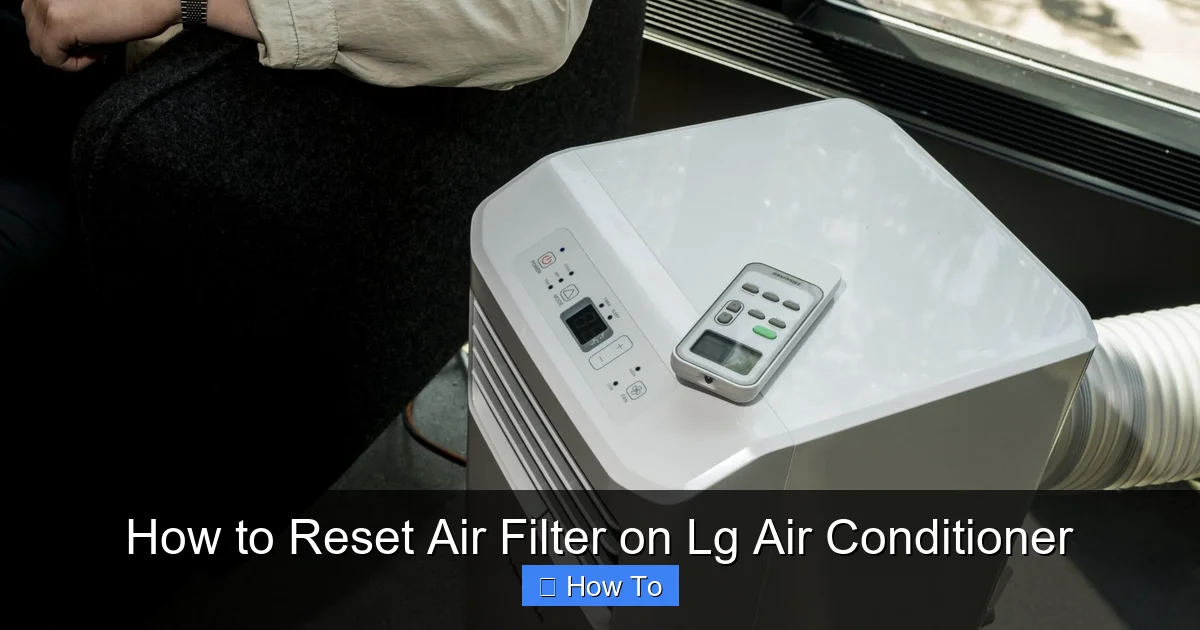
Visual guide about How to Reset Air Filter on Lg Air Conditioner
Image source: acsupportspoint.com
Before diving into the reset process, it’s important to understand how LG’s filter monitoring system works. Most modern LG air conditioners—especially those released in 2026—come equipped with a smart filter sensor that tracks how long the filter has been in use. This sensor monitors airflow and pressure changes to estimate when the filter is getting clogged.
When the system detects reduced airflow (a sign of a dirty filter), it triggers a warning light or message on the display panel or remote control. This could appear as “Filter,” “Clean Filter,” or a blinking icon. Once you’ve cleaned or replaced the filter, you must manually reset the system so it starts tracking usage from zero again.
Why is this necessary? Without a reset, the AC will continue to think the filter is dirty, even if it’s clean. This can lead to unnecessary alerts, reduced performance, and even prevent the unit from entering energy-saving modes.
How the Filter Reset Works
The reset function essentially clears the internal timer that tracks filter usage. It doesn’t physically clean the filter—it just tells the system, “Hey, we’ve taken care of it. Start fresh.” This ensures accurate monitoring and timely reminders in the future.
Most LG models use one of two methods to reset the filter:
– Remote control button combination (most common)
– Control panel button press (on units without remotes or with integrated displays)
The exact steps vary slightly by model, but the core principle remains the same. We’ll cover both methods in detail below.
Step-by-Step Guide: How to Reset Air Filter on LG Air Conditioner
Now that you understand why the reset is important, let’s walk through the actual process. Follow these steps carefully to ensure a successful reset.
Step 1: Turn Off the Air Conditioner
Safety first! Before doing anything, make sure your LG air conditioner is completely powered off. This prevents accidental activation while you’re handling the unit and protects internal electronics.
– If you’re using a remote, press the Power button to turn off the AC.
– For units with a physical power switch, flip it to the “Off” position.
– Wait about 30 seconds to ensure the system has fully shut down.
Pro Tip: Some LG models have a “Sleep” or “Eco” mode that may keep certain components active even when the main unit is off. To be safe, unplug the unit from the wall outlet if you’re comfortable doing so.
Step 2: Locate and Remove the Air Filter
Next, you’ll need to access the air filter. On most LG air conditioners, the filter is located behind the front panel or grille.
– For window units, gently pull the front grille toward you. It’s usually held in place by clips or screws.
– For split systems, open the front cover of the indoor unit. You may need to lift it upward or slide it sideways.
– For ductless mini-splits, look for a small latch or button on the side of the unit. Press it to release the front panel.
Once the panel is open, you’ll see the air filter—typically a rectangular mesh or pleated panel. Carefully slide it out. If it’s visibly dirty, now’s the time to clean or replace it.
Example: On the LG Dual Inverter Window AC (2026 model), the filter is accessed by lifting the front grille at a 45-degree angle. The filter slides out easily with a gentle tug.
Step 3: Clean or Replace the Filter
If you’re cleaning the filter:
– Use a soft brush or vacuum to remove dust and debris.
– For deeper cleaning, rinse it under lukewarm water. Avoid hot water, as it can damage the filter material.
– Let it air dry completely before reinstalling. Never put a wet filter back into the unit.
If the filter is damaged, clogged beyond cleaning, or over six months old, replace it with a genuine LG filter. Using third-party filters may void your warranty and affect performance.
Pro Tip: Mark the date on the filter frame with a permanent marker after cleaning or replacing. This helps you track when it was last serviced.
Step 4: Reinstall the Filter
Once the filter is clean and dry, slide it back into place. Make sure it fits snugly and is oriented correctly—most filters have an arrow indicating airflow direction.
Close the front panel or grille securely. Ensure all clips or latches are engaged to prevent air leaks.
Step 5: Reset the Filter Indicator
Now comes the most important part: resetting the filter timer. The method depends on your LG model.
Method A: Using the Remote Control (Most Common)
1. Point the remote at the air conditioner.
2. Press and hold the Filter or Clean button (usually labeled with a filter icon) for 3 to 5 seconds.
3. You should see the filter indicator light blink or turn off.
4. Release the button. The system has now been reset.
Note: On some 2026 LG models, you may need to press the Function button first, then select “Filter Reset” from the menu.
Method B: Using the Control Panel (No Remote or Built-in Display)
1. Locate the control panel on the front of the unit.
2. Press and hold the Filter or Mode button for 5 seconds.
3. Watch for the filter light to flash or go out.
4. Release the button. The reset is complete.
Example: On the LG ArtCool Mirror Mini-Split (2026), press and hold the “Filter” button on the indoor unit’s display for 5 seconds until the icon disappears.
Method C: Smart App Reset (For Wi-Fi Enabled Models)
If your LG air conditioner is connected to the LG ThinQ app (available for 2026 smart models), you can reset the filter remotely:
1. Open the LG ThinQ app on your smartphone.
2. Select your air conditioner from the device list.
3. Tap the “Settings” or “Maintenance” tab.
4. Choose “Reset Filter” and confirm.
5. The app will send a signal to the unit, and the indicator will reset.
Pro Tip: Enable push notifications in the app to receive automatic filter reminders every 2–3 months.
Step 6: Turn the AC Back On
After resetting the filter, power the unit back on using the remote or control panel. The filter indicator should no longer be lit, and the system should operate normally.
Run the AC for a few minutes to ensure proper airflow and cooling. If the filter light comes back on immediately, double-check that the reset was successful.
Troubleshooting Common Issues
Even with careful steps, you might run into problems. Here’s how to fix the most common issues when resetting your LG air conditioner filter.
Issue 1: Filter Light Won’t Turn Off
If the filter indicator remains on after resetting:
– Ensure you held the reset button long enough (at least 3–5 seconds).
– Check that the filter is properly installed and not damaged.
– Try resetting again using a different method (e.g., switch from remote to control panel).
– Power cycle the unit: unplug it for 1 minute, then plug it back in and retry.
Issue 2: Remote Control Not Working
If the remote isn’t responding:
– Replace the batteries.
– Make sure there’s no obstruction between the remote and the AC’s sensor.
– Try resetting using the control panel instead.
Issue 3: Filter Reset Option Not Available
Some older LG models may not have a dedicated filter reset function. In this case:
– The system may reset automatically after a power cycle.
– Consult your user manual for model-specific instructions.
– Contact LG customer support for assistance.
Issue 4: Error Codes Appear After Reset
If you see error codes like “E1” or “CH 24”:
– These may indicate a sensor or communication issue.
– Turn off the unit, wait 10 minutes, then restart.
– If the error persists, schedule a service call with an LG-certified technician.
Maintenance Tips for 2026 LG Air Conditioners
Resetting the filter is just one part of AC maintenance. To keep your LG unit in top shape, follow these best practices:
– Clean the filter every 2–4 weeks during peak usage seasons (summer and winter).
– Inspect the outdoor unit regularly for debris, leaves, or blockages.
– Schedule annual professional maintenance to check refrigerant levels, coils, and electrical connections.
– Use the Auto Clean function (available on 2026 models) to reduce mold and bacteria buildup inside the unit.
– Keep the area around the indoor unit clear to ensure proper airflow.
Pro Tip: Set a calendar reminder on your phone to clean and reset the filter every month. Consistency is key to long-term performance.
Why Genuine LG Filters Matter
While it might be tempting to buy cheaper third-party filters, using genuine LG filters ensures:
– Perfect fit and airflow
– Compatibility with the filter sensor
– Longer lifespan and better filtration
– Warranty protection
LG’s 2026 filters are designed with advanced materials to capture dust, pollen, pet dander, and even some bacteria. They’re also eco-friendly and recyclable.
Conclusion: Keep Your LG AC Running Smoothly
Resetting the air filter on your LG air conditioner is a simple but vital task that ensures your unit operates efficiently and provides clean, cool air. By following the steps in this guide, you can reset the filter indicator in under five minutes—no tools or technical skills required.
Remember: always clean or replace the filter before resetting, use the correct method for your model, and consult your user manual if you’re unsure. With regular maintenance and timely resets, your LG air conditioner will deliver reliable performance for years to come.
In 2026, smart features like app-based resets and auto-clean functions make maintenance easier than ever. Take advantage of these innovations to keep your home comfortable and your energy bills low.
So the next time you see that filter light blinking, don’t ignore it. Reset it, breathe easier, and enjoy the cool, clean air your LG AC was designed to deliver.