
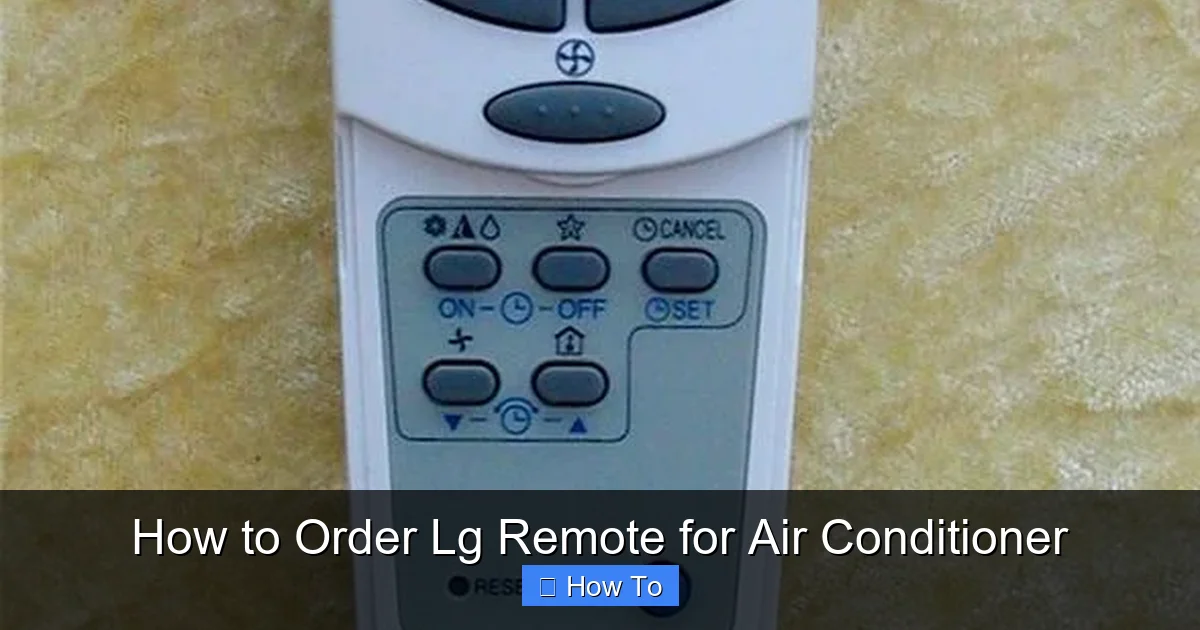
Ordering an LG remote for your air conditioner doesn’t have to be confusing. This guide walks you through identifying your AC model, finding the right remote, and placing your order online or in-store—ensuring a seamless experience in 2026.
Key Takeaways
- Identify your AC model first: Check the label on your indoor unit or user manual to find the exact model number—this ensures compatibility with the correct LG remote.
- Use official LG channels: Order through LG’s official website, authorized dealers, or service centers to avoid counterfeit or incompatible remotes.
- Check remote compatibility: Not all LG remotes work with every AC model—use LG’s compatibility tool or consult customer support before purchasing.
- Consider smart alternatives: In 2026, many LG AC units support Wi-Fi remotes or smartphone apps, which may offer better functionality than traditional remotes.
- Keep proof of purchase: Save your receipt and order confirmation for warranty claims or returns if the remote arrives damaged or doesn’t work.
- Test immediately upon delivery: Power on your AC and test all remote functions (temperature, mode, timer) to confirm it’s working properly.
- Contact support if needed: If you face issues, LG’s 2026 customer service offers live chat, phone support, and in-home assistance for remote-related problems.
How to Order LG Remote for Air Conditioner: A Complete 2026 Guide
Losing or damaging your LG air conditioner remote can be frustrating—especially during a heatwave. But don’t worry! Ordering a replacement remote in 2026 is easier than ever, thanks to improved online tools, expanded retail options, and smarter compatibility checks. Whether your remote stopped working, got lost, or you’re upgrading to a newer model, this guide will walk you through every step to get the right LG remote for your air conditioner quickly and confidently.
In this comprehensive how-to guide, you’ll learn how to identify your AC model, find the correct remote, choose the best purchasing method, and troubleshoot common issues. We’ll also cover smart alternatives like app-controlled remotes and voice assistants that are becoming standard in 2026. By the end, you’ll know exactly how to order an LG remote for your air conditioner—without guesswork or wasted time.
Step 1: Identify Your LG Air Conditioner Model
The first and most important step in ordering the right LG remote is knowing your air conditioner’s exact model number. LG produces dozens of AC models each year, and remotes are not universally compatible. Using the wrong remote can result in limited functionality or no response at all.
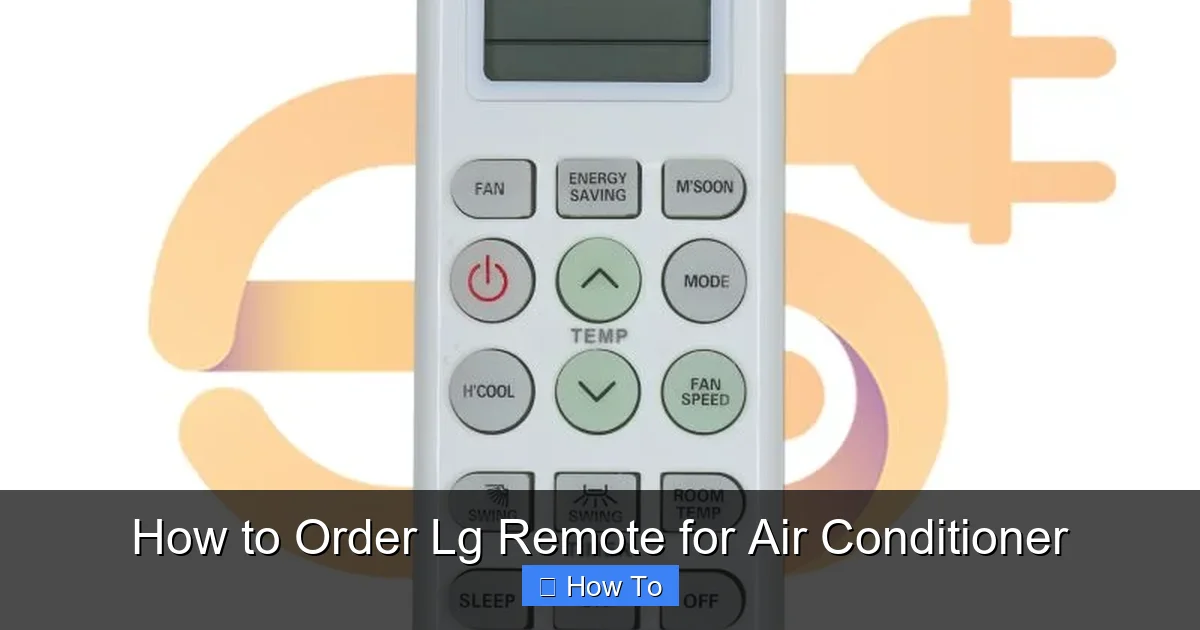
Visual guide about How to Order Lg Remote for Air Conditioner
Image source: electronicspices.com
Where to Find Your AC Model Number
The model number is usually printed on a label attached to the indoor unit of your air conditioner. Here’s how to locate it:
- Check the front panel: Remove the front grille or air filter cover. The label is often behind it, near the top or side.
- Look on the side or bottom: Some models have the label on the left or right edge of the indoor unit.
- Refer to the user manual: If you still have the original manual, the model number is listed on the first or last page.
- Check the outdoor unit: In some cases, the model number is also printed on the outdoor compressor unit, though this requires access to the exterior.
Once you find the label, look for a combination of letters and numbers—for example, LS1219FHS or LP1419IVSM. This is your model number. Write it down or take a clear photo for reference.
Understanding LG Model Naming Conventions
LG uses a consistent naming system that helps identify key features:
- First two letters: Indicate the product type. “LS” or “LP” usually stands for split-type air conditioners.
- Numbers: Represent the cooling capacity (e.g., 12 = 12,000 BTU, 14 = 14,000 BTU).
- Letters at the end: Indicate the series or year of release (e.g., “FHS” or “IVSM”).
For example, LS1219FHS is a 12,000 BTU split AC from the 2019 series. Knowing this helps when searching for compatible remotes.
Step 2: Determine the Correct LG Remote Model
Once you have your AC model number, the next step is finding the matching remote. LG remotes are often model-specific, but some are compatible across multiple units.
Use LG’s Official Compatibility Tool
In 2026, LG offers an online Remote Compatibility Checker on their official website. Here’s how to use it:
- Go to www.lg.com and navigate to the “Support” section.
- Select “Air Conditioners” and then “Accessories & Parts.”
- Click on “Remote Controls” and enter your AC model number.
- The tool will display compatible remote models, such as AKB73795601 or AKB74795607.
This tool is updated regularly and includes remotes for both older and newer models, making it the most reliable source.
Check the Original Remote (If Available)
If your old remote is still functional or partially working, check the back or battery compartment for a model number. Most LG remotes have a sticker with a code like AKB73795601. This is the exact model you need to order.
Consult the User Manual or Quick Guide
The user manual often lists the compatible remote model in the “Specifications” or “Accessories” section. If you no longer have the manual, you can download a digital copy from LG’s support page using your AC model number.
Step 3: Choose Where to Order Your LG Remote
In 2026, you have several reliable options for ordering an LG remote. Each has its pros and cons, so choose based on speed, price, and convenience.
Option 1: Order Directly from LG’s Official Website
This is the safest and most recommended method. Here’s how:
- Visit www.lg.com and go to the “Support” or “Shop” section.
- Search for your remote model number (e.g., AKB73795601).
- Add it to your cart and proceed to checkout.
- Enter your shipping details and payment information.
- LG typically ships within 1–3 business days, with delivery in 3–7 days depending on your location.
Pros: Genuine parts, warranty included, easy returns.
Cons: Slightly higher price than third-party sellers.
Option 2: Purchase from Authorized LG Retailers
Major electronics retailers like Best Buy, Home Depot, and Lowe’s often carry LG remotes in-store and online. In 2026, many of these stores offer same-day pickup or next-day delivery.
- Use the store’s website to search for your remote model.
- Filter results by “LG Authorized Seller” to avoid counterfeit products.
- Check customer reviews and return policies before buying.
Tip: Call the store ahead of time to confirm availability, especially for older models.
Option 3: Use Online Marketplaces (With Caution)
Amazon, eBay, and Walmart.com sell LG remotes, but not all listings are trustworthy. To stay safe:
- Only buy from sellers with high ratings (95% or above) and verified “LG Authorized” status.
- Read product descriptions carefully—ensure the remote matches your model.
- Avoid listings that say “universal” unless they specifically list your AC model as compatible.
- Check return policies in case the remote doesn’t work.
Warning: Counterfeit remotes are common on third-party sites. They may look identical but fail to function properly or damage your AC.
Option 4: Visit an LG Service Center
If you prefer in-person service, visit an official LG service center. Staff can help identify your remote, order it for you, and even test it on-site.
- Use LG’s “Find a Service Center” tool on their website.
- Bring your AC model number and old remote (if available).
- Some centers offer same-day pickup for common remotes.
This option is ideal if you’re unsure about compatibility or need immediate assistance.
Step 4: Place Your Order and Track Delivery
Once you’ve chosen your purchasing method, it’s time to place the order. Here’s how to do it smoothly:
Create an Account (Recommended)
Whether ordering from LG or a retailer, create an account to save your details, track orders, and access warranty services. In 2026, many sites offer one-click reordering for future needs.
Double-Check Your Model Number
Before confirming your purchase, verify that the remote model matches your AC. A simple typo can lead to incompatibility.
Choose Shipping Options
Most sellers offer standard, expedited, and express shipping. If you need the remote urgently, pay for faster delivery. Some LG service centers also offer local courier services.
Save Your Order Confirmation
After placing the order, save the confirmation email or screenshot. This includes your order number, remote model, and delivery date—essential for returns or support.
Track Your Package
Use the tracking link provided by the seller to monitor your shipment. In 2026, many deliveries include real-time GPS updates and delivery notifications via SMS or app.
Step 5: Test the Remote Upon Delivery
When your new LG remote arrives, don’t assume it works right away. Follow these steps to ensure full functionality:
Inspect the Remote
Check for physical damage, such as cracked casing or loose buttons. If damaged, contact the seller immediately for a replacement.
Insert Batteries
Open the battery compartment and insert two AAA batteries (usually included). Make sure they’re inserted correctly—positive and negative ends aligned.
Power On Your AC
Turn on your air conditioner using the manual button on the indoor unit (usually a small button near the display).
Test All Functions
Use the remote to test:
- Power on/off
- Temperature adjustment (up/down)
- Mode selection (cool, heat, fan, dry)
- Fan speed control
- Timer and sleep mode
- Swing or airflow direction
If any function doesn’t work, try resetting the remote or checking the IR sensor on the AC unit.
Step 6: Troubleshooting Common Issues
Even with the correct remote, you might encounter problems. Here’s how to fix the most common issues in 2026:
Remote Not Responding
- Check batteries: Weak or incorrectly installed batteries are the #1 cause. Replace them.
- Clean the IR sensor: Dust on the remote’s infrared emitter or the AC’s receiver can block signals. Wipe both with a dry cloth.
- Ensure line of sight: The remote must point directly at the AC unit. Obstructions like furniture or curtains can interfere.
- Reset the remote: Remove batteries for 30 seconds, then reinsert. Some models have a reset button inside the battery compartment.
Partial Functionality
If some buttons work but others don’t, the remote may be damaged or incompatible. Contact LG support or the seller for a replacement.
Remote Works Intermittently
- Check for interference from other electronics (e.g., TVs, LED lights).
- Move closer to the AC unit—range is typically 20–30 feet.
- Update your AC’s firmware if it supports smart features (via LG ThinQ app).
Smart Remote Not Connecting
If you ordered a Wi-Fi-enabled remote or are using the LG ThinQ app:
- Ensure your AC is connected to Wi-Fi.
- Download the latest version of the LG ThinQ app.
- Follow the in-app setup guide to pair the remote.
- Restart your router and AC unit if connection fails.
Step 7: Consider Upgrading to a Smart Remote or App
In 2026, many LG air conditioners support smart controls, which can be more convenient than traditional remotes. Here are your options:
LG ThinQ App
The LG ThinQ app (available on iOS and Android) lets you control your AC from anywhere. Features include:
- Remote control via smartphone
- Scheduling and timers
- Energy usage tracking
- Voice control with Alexa or Google Assistant
- Firmware updates
To use it, ensure your AC model is Wi-Fi compatible (look for “Wi-Fi” or “Smart” in the model name).
Smart Remotes with Display
Some newer LG remotes feature LCD screens, touch controls, and Wi-Fi connectivity. These offer enhanced functionality and are worth considering if you’re replacing an older model.
Universal Smart Remotes
Devices like the Logitech Harmony or Samsung SmartThings can control multiple appliances, including LG ACs. They require setup but offer centralized control.
Tip: If your AC is older, check if a Wi-Fi module can be added to enable smart features.
Conclusion
Ordering an LG remote for your air conditioner in 2026 is a straightforward process—if you follow the right steps. Start by identifying your AC model, use LG’s compatibility tools to find the correct remote, and purchase from trusted sources like the official website or authorized retailers. Always test the remote upon delivery and keep your receipt for warranty purposes.
With advancements in smart technology, you may also want to explore app-based controls or upgraded remotes for added convenience. Whether you’re replacing a lost remote or upgrading to a smarter solution, this guide ensures you get the right product quickly and confidently.
Don’t let a missing remote leave you in the heat. Follow this guide, and you’ll be back to cool, comfortable air in no time.