
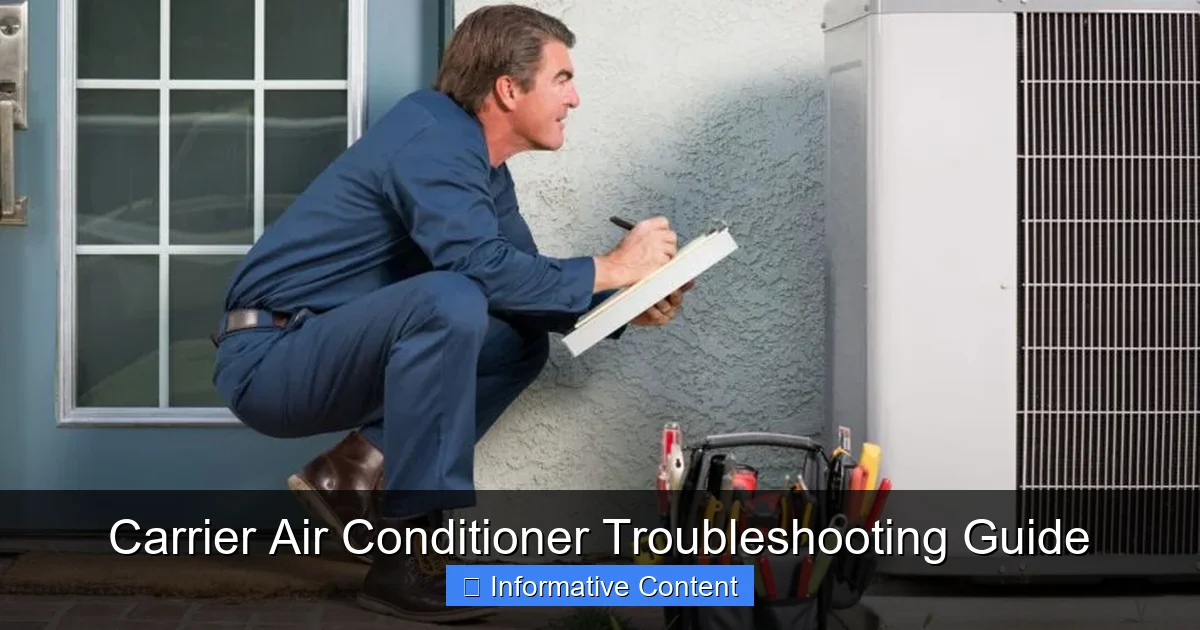
Is your Carrier air conditioner not cooling, making strange noises, or refusing to turn on? This complete troubleshooting guide walks you through the most common problems, step-by-step solutions, and safety tips to get your unit back up and running fast. Whether you’re dealing with a frozen coil, refrigerant leak, or thermostat issue, we’ve got you covered with practical advice and expert insights.
Key Takeaways
- Check the thermostat first: Many AC issues stem from incorrect thermostat settings or dead batteries—always verify this before diving deeper.
- Dirty air filters reduce efficiency: A clogged filter restricts airflow, causing the system to overwork and potentially freeze up.
- Frozen evaporator coils need thawing: Turn off the AC and let the ice melt completely before restarting to avoid compressor damage.
- Refrigerant leaks require professional help: Low refrigerant usually means a leak—never top it off yourself; call a licensed technician.
- Electrical issues can be dangerous: If you suspect wiring problems or tripped breakers, turn off power and consult an expert immediately.
- Regular maintenance prevents most problems: Cleaning coils, checking refrigerant levels, and inspecting ducts yearly can save you from costly repairs.
- Know when to call a pro: If troubleshooting doesn’t resolve the issue, or if you’re unsure about safety, don’t hesitate to contact Carrier-certified service.
📑 Table of Contents
Introduction: Why Your Carrier AC Might Be Acting Up
It’s the middle of July, the sun is blazing, and your home feels more like an oven than a sanctuary. You flip the switch on your Carrier air conditioner, expecting instant relief—but instead, you’re met with warm air, strange noises, or worse, complete silence. Frustrating? Absolutely. But before you panic or call a technician for a simple fix, know this: many common Carrier air conditioner problems can be diagnosed and resolved with a little know-how and the right approach.
Carrier has been a trusted name in HVAC systems for over a century, known for reliability, energy efficiency, and innovative technology. But even the best systems can run into issues—especially if they’re not properly maintained or if environmental factors come into play. Whether you’re dealing with a unit that won’t turn on, isn’t cooling effectively, or is making odd sounds, understanding the root cause is the first step toward a solution.
This comprehensive Carrier air conditioner troubleshooting guide is designed to help homeowners like you identify, understand, and fix the most frequent problems. We’ll walk you through step-by-step checks, explain what each symptom might mean, and offer practical tips to get your AC back to peak performance. And while some fixes are DIY-friendly, we’ll also highlight when it’s time to call in the professionals—because safety and system longevity matter just as much as comfort.
Common Symptoms and What They Mean
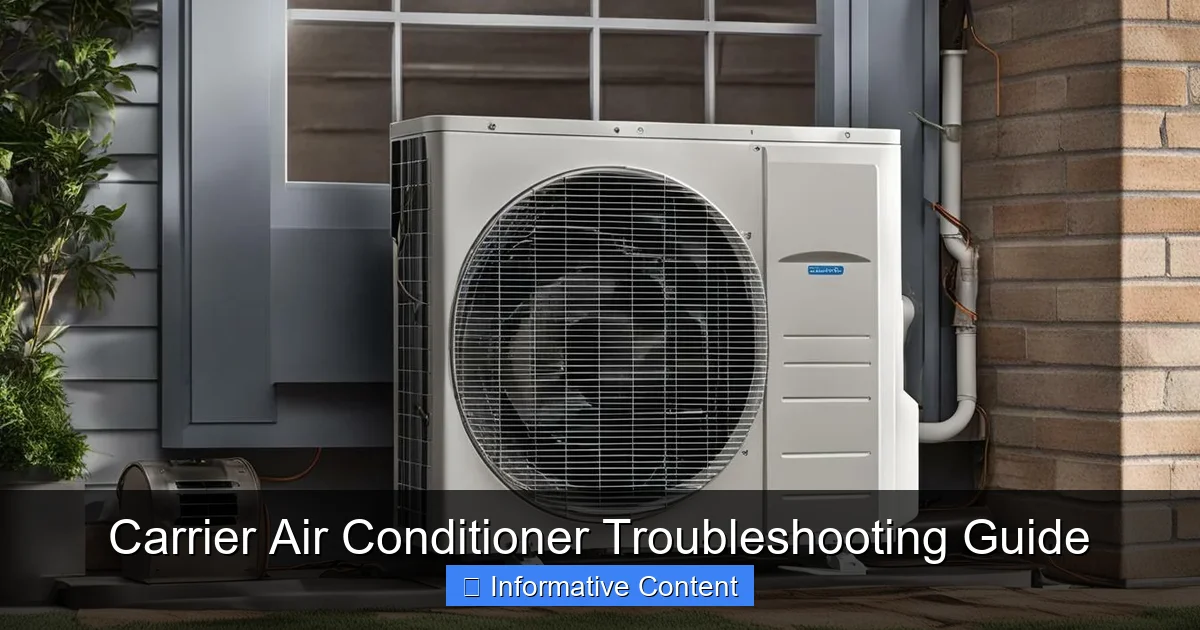
Visual guide about Carrier Air Conditioner Troubleshooting Guide
Image source: breezeboss.com
Before diving into specific fixes, it’s important to recognize the signs that something’s wrong with your Carrier air conditioner. Not all problems are obvious, and some symptoms can point to multiple underlying issues. By learning to read these clues, you can narrow down the cause and act quickly.
One of the most common complaints is warm air blowing from the vents. If your AC is running but not cooling, it could be due to a dirty filter, low refrigerant, or a malfunctioning compressor. Another frequent issue is the unit not turning on at all—this often relates to power supply problems, thermostat settings, or electrical faults.
Unusual noises are another red flag. A clicking sound when you turn the system on might indicate a relay issue, while a grinding or squealing noise could mean a failing motor or belt. Rattling may point to loose parts, and a hissing sound could signal a refrigerant leak.
Water leaks around the indoor unit are also common and usually stem from a clogged condensate drain line or a frozen evaporator coil that’s now melting. And if your AC cycles on and off too frequently (short cycling), it might be overheating due to restricted airflow or a faulty thermostat.
Understanding these symptoms helps you communicate more effectively with technicians and avoid unnecessary service calls. Plus, early detection can prevent minor issues from turning into major breakdowns.
Warm Air Blowing from Vents
If your Carrier AC is running but blowing warm or lukewarm air, start with the basics. First, check the thermostat. Is it set to “Cool” and the temperature lower than the current room temperature? It sounds simple, but it’s one of the most overlooked causes. Also, replace the thermostat batteries if they’re low—many modern thermostats will still display a reading even with dead batteries, giving a false sense of functionality.
Next, inspect the air filter. A clogged filter restricts airflow, causing the evaporator coil to freeze and eventually stop cooling. Replace the filter if it’s dirty—this is a quick fix that can restore cooling in under an hour.
If the filter is clean, check the outdoor unit. Make sure it’s not blocked by leaves, dirt, or debris. The condenser coils need proper airflow to release heat. Clean them gently with a garden hose (with the power off) to remove buildup.
Still no cool air? The issue might be low refrigerant. This isn’t something you can fix yourself—refrigerant leaks require a licensed technician to locate and seal the leak before recharging the system. Attempting to add refrigerant without fixing the leak is both illegal and ineffective.
AC Won’t Turn On
When your Carrier air conditioner refuses to start, the first thing to check is the power supply. Is the thermostat displaying anything? If not, replace the batteries. If it is, check the circuit breaker. A tripped breaker is a common cause—especially during heatwaves when the AC is working harder than usual. Reset the breaker and wait a few minutes before trying to restart the system.
If the breaker trips again immediately, there’s likely an electrical fault. This could be a short circuit, a failing capacitor, or a problem with the contactor. These components are critical to starting the compressor and fan motors. While you can visually inspect the capacitor (look for bulging or leaking), replacing it should be done by a professional due to the risk of electric shock.
Also, check the disconnect switch near the outdoor unit. It’s a small box on the wall with a pull-out fuse or switch. Make sure it’s in the “On” position. It’s easy to accidentally turn it off during yard work or maintenance.
If all power sources are intact and the thermostat is working, the issue might be a faulty control board or a locked rotor in the compressor. These are complex problems best left to trained technicians.
Strange Noises from the Unit
Your Carrier AC shouldn’t sound like a construction site. If you hear unusual noises, pay attention—they can tell you a lot about what’s going wrong.
A clicking sound when you turn the system on or off is usually normal, especially if it’s coming from the thermostat or relay. But if the clicking continues repeatedly, it might mean the relay is stuck or the system is struggling to start. This could indicate a failing capacitor or contactor.
Grinding or rumbling noises often point to a problem with the fan motor or compressor. The motor bearings may be worn out, or the compressor might be failing. These are serious issues that can lead to complete system failure if not addressed.
Squealing or screeching sounds are typically belt-related (in older models) or indicate a loose or damaged fan blade. Inspect the fan blades for cracks or bends, and ensure they’re securely attached.
Hissing or bubbling sounds could mean a refrigerant leak. If you hear this along with reduced cooling, turn off the system and call a technician immediately. Refrigerant is hazardous and requires specialized handling.
Water Leaks Indoors
Finding a puddle of water near your indoor air handler is alarming, but it’s often fixable. The most common cause is a clogged condensate drain line. As your AC cools the air, it removes moisture, which drains through a PVC pipe. Over time, algae, dirt, and mold can block this line, causing water to back up and leak.
To fix it, locate the drain line (usually a white PVC pipe near the indoor unit) and use a wet/dry vacuum to suck out the clog. You can also flush it with a mixture of vinegar and water to kill mold and prevent future clogs.
Another cause is a frozen evaporator coil. When airflow is restricted (due to a dirty filter or blocked vents), the coil gets too cold and freezes. Once it thaws, the excess water can overflow the drain pan. Turn off the AC, replace the filter, and let the coil thaw completely before restarting.
If the drain pan is cracked or rusted, it may need replacement. And if the unit is installed on an incline, improper drainage can also cause leaks—ensure the system is level.
Short Cycling (Frequent On/Off Cycles)
Short cycling happens when your AC turns on and off rapidly without completing a full cooling cycle. This not only reduces comfort but also increases wear and tear on the system.
One common cause is an oversized unit. If your Carrier AC is too big for your home, it cools the space too quickly, triggering the thermostat to shut it off before proper dehumidification occurs. This leads to a clammy, uncomfortable environment and frequent cycling.
Dirty air filters or blocked vents can also cause short cycling by restricting airflow, making the system overheat and shut down prematurely.
A malfunctioning thermostat is another culprit. If the sensor is faulty or placed in a hot spot (like near a window or lamp), it may misread the temperature and cycle the system incorrectly.
Finally, low refrigerant can cause the system to overheat and shut down as a safety measure. Again, this requires professional diagnosis and repair.
Step-by-Step Troubleshooting Checklist
When your Carrier air conditioner acts up, follow this simple checklist to diagnose and resolve the issue safely and effectively.
Step 1: Check the Thermostat
Start here. Make sure the thermostat is set to “Cool” and the temperature is lower than the current room temperature. If it’s a programmable or smart thermostat, check the schedule—sometimes it’s set to “Hold” or “Off” by accident.
Replace the batteries if needed. Even if the display is working, weak batteries can cause erratic behavior. For smart thermostats, ensure it’s connected to Wi-Fi and receiving power.
If you have a mechanical thermostat, use a level to check if it’s straight. A tilted thermostat can give inaccurate readings.
Step 2: Inspect the Air Filter
Locate the air filter—usually behind a return air grille or in the air handler. Remove it and hold it up to the light. If you can’t see through it, it’s time to replace it.
Use the correct size and type (check your owner’s manual). A high-efficiency filter (MERV 8–13) is great for air quality but can restrict airflow if your system isn’t designed for it. Stick to the manufacturer’s recommendation.
Replace the filter every 1–3 months, especially during peak cooling season.
Step 3: Examine the Outdoor Unit
Turn off the power at the disconnect switch and circuit breaker before inspecting the outdoor unit.
Clear away any debris—leaves, grass, dirt—from around the unit. Keep at least 2 feet of clearance on all sides.
Check the condenser coils. If they’re dirty, clean them with a garden hose (no pressure washer) to remove dirt and grime. Never use chemicals unless specified by Carrier.
Inspect the fan blade for damage or obstructions. Spin it gently by hand—it should turn freely.
Step 4: Check the Condensate Drain
Locate the condensate drain line and access point (often a T-fitting with a cap). Remove the cap and inspect for clogs.
Use a wet/dry vacuum to suction out any blockages. Alternatively, pour a cup of vinegar down the line to dissolve algae and mold.
Pour a mixture of bleach and water (1:1) down the line monthly during summer to prevent clogs.
Step 5: Test the Circuit Breaker and Disconnect
Go to your electrical panel and check if the breaker for the AC is tripped. If it is, reset it and wait 5–10 minutes before turning the system back on.
If it trips again, do not keep resetting it—this indicates a serious electrical issue. Turn off the breaker and call a technician.
Also, check the disconnect switch near the outdoor unit. Make sure it’s in the “On” position.
Step 6: Listen and Observe
Turn the system back on and listen carefully. Note any unusual sounds, odors, or behaviors.
Check the vents—are they blowing air? Is it cool or warm?
Monitor the system for 15–20 minutes. Does it cycle properly? Does it cool the room?
If everything seems normal, great! If not, proceed to advanced checks or call a professional.
When to Call a Professional
While many Carrier air conditioner issues can be resolved with basic troubleshooting, some problems require expert attention. Knowing when to call a technician can save you time, money, and potential safety hazards.
If you’ve gone through the checklist and the problem persists, it’s time to call a Carrier-certified technician. This is especially true for issues involving refrigerant, electrical components, or the compressor.
Refrigerant leaks are a prime example. Handling refrigerant requires EPA certification, and improper handling can harm the environment and your health. Only a licensed professional can safely locate and repair leaks and recharge the system.
Electrical problems—such as repeated breaker trips, burning smells, or sparking—are also dangerous. These could indicate faulty wiring, a failing capacitor, or a short circuit. Never attempt to repair electrical components yourself unless you’re qualified.
Compressor issues are another red flag. The compressor is the heart of your AC system, and if it’s making loud noises, not starting, or overheating, it may need repair or replacement. This is a complex and costly job best left to experts.
Additionally, if your system is under warranty, DIY repairs could void it. Always check your warranty terms before attempting any major fixes.
Finally, if you’re unsure or uncomfortable with any step in the troubleshooting process, don’t hesitate to call a professional. It’s better to pay for a service call than risk damaging your system or injuring yourself.
Preventative Maintenance Tips
The best way to avoid AC problems is through regular maintenance. A well-maintained Carrier air conditioner runs more efficiently, lasts longer, and breaks down less often.
Change the Air Filter Regularly
This simple task can prevent a host of issues. A clean filter improves airflow, reduces strain on the system, and enhances indoor air quality. Set a reminder to check it monthly and replace it every 1–3 months.
Clean the Coils Annually
Both the indoor evaporator coil and outdoor condenser coil should be cleaned once a year. Dirty coils reduce efficiency and can cause freezing or overheating. Use a soft brush or coil cleaner for the evaporator, and a garden hose for the condenser.
Clear the Area Around the Outdoor Unit
Keep the area around your outdoor unit free of debris, plants, and furniture. Trim back shrubs and ensure there’s at least 2 feet of clearance on all sides for proper airflow.
Check the Refrigerant Levels
Have a technician check refrigerant levels during annual maintenance. Low levels indicate a leak, which can damage the compressor over time.
Inspect Ductwork for Leaks
Leaky ducts can reduce cooling efficiency by up to 30%. Have a professional inspect and seal ducts, especially in attics and crawl spaces.
Schedule Annual Professional Tune-Ups
Even if your AC seems fine, a yearly inspection by a Carrier-certified technician can catch small issues before they become big problems. They’ll check electrical connections, lubricate moving parts, test safety controls, and ensure everything is running smoothly.
Conclusion: Stay Cool and Confident
Dealing with a malfunctioning air conditioner is never fun—especially when the temperature is soaring. But with the right knowledge and tools, you can tackle many common Carrier air conditioner problems with confidence. From checking the thermostat and replacing filters to clearing drain lines and listening for strange noises, this troubleshooting guide equips you to handle the basics safely and effectively.
Remember, not every issue requires a technician. Many problems have simple fixes that can save you time and money. But when in doubt, or when dealing with electrical or refrigerant issues, always call a professional. Your safety and the longevity of your system are worth it.
By staying proactive with maintenance and knowing how to respond when things go wrong, you’ll keep your Carrier air conditioner running smoothly for years to come. So the next time your AC acts up, don’t panic—grab this guide, follow the steps, and enjoy the cool, comfortable air you deserve.
Frequently Asked Questions
Why is my Carrier AC not cooling even though it’s running?
This is often due to a dirty air filter, low refrigerant, or a frozen evaporator coil. Start by replacing the filter and ensuring the thermostat is set correctly. If the problem persists, call a technician to check for refrigerant leaks or compressor issues.
How often should I replace my air filter?
Replace your air filter every 1–3 months, depending on usage and filter type. Homes with pets or allergies may need more frequent changes to maintain airflow and air quality.
Can I fix a refrigerant leak myself?
No, refrigerant leaks must be handled by a licensed technician. Adding refrigerant without fixing the leak is illegal and ineffective. A professional can locate and seal the leak safely.
What causes my AC to freeze up?
Frozen coils are usually caused by restricted airflow (from a dirty filter or blocked vents) or low refrigerant. Turn off the AC, replace the filter, and let the ice melt completely before restarting.
Is it normal for my AC to make noise?
Some noise is normal, but loud grinding, squealing, or hissing sounds are not. These could indicate motor failure, loose parts, or refrigerant leaks—turn off the system and call a technician.
How can I prevent water leaks from my AC?
Regularly clean the condensate drain line with vinegar or a wet/dry vacuum. Replace dirty filters and ensure the unit is level to prevent overflow. Annual maintenance helps catch issues early.