
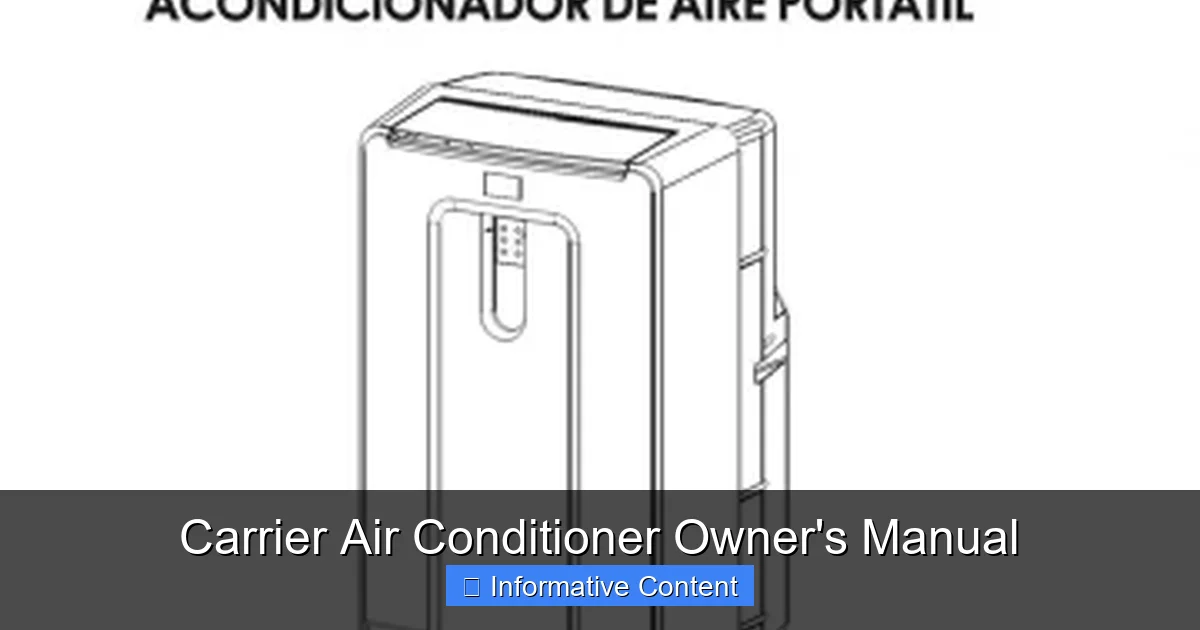
Understanding your Carrier air conditioner owner’s manual is essential for safe operation, efficient performance, and long-term reliability. This guide breaks down everything you need to know—from installation and controls to maintenance and troubleshooting—so you can get the most out of your cooling system.
Key Takeaways
- Read the manual first: Always consult your Carrier air conditioner owner’s manual before installation or use to ensure safety and proper setup.
- Know your model: Manuals vary by model and series—locate your unit’s model number to access the correct instructions and specifications.
- Regular maintenance is key: Follow the recommended cleaning and inspection schedule in the manual to prevent breakdowns and extend system life.
- Understand thermostat settings: Learn how to use programmable and smart thermostat features for better comfort and energy savings.
- Recognize warning signs: The manual helps identify error codes and unusual noises so you can address issues early.
- Warranty and support: Keep your manual handy to verify warranty terms and contact Carrier customer service when needed.
- Energy efficiency tips: Use manual guidelines to optimize settings and reduce electricity usage without sacrificing comfort.
📑 Table of Contents
- Why Your Carrier Air Conditioner Owner’s Manual Matters
- What’s Inside the Carrier Air Conditioner Owner’s Manual?
- How to Use Your Carrier Air Conditioner Owner’s Manual Effectively
- Common Maintenance Tasks Explained
- Troubleshooting Common Issues Using the Manual
- Energy Efficiency Tips from the Manual
- Warranty and Customer Support
- Conclusion
Why Your Carrier Air Conditioner Owner’s Manual Matters
When your Carrier air conditioner arrives, it’s tempting to skip the paperwork and jump straight to enjoying that cool, refreshing air. But here’s the truth: the Carrier air conditioner owner’s manual is one of the most important tools you’ll receive with your unit. Think of it as your personal guidebook—written by the engineers who designed your system—to help you operate, maintain, and troubleshoot your air conditioner safely and effectively.
This isn’t just a booklet full of technical jargon. It’s a practical resource packed with step-by-step instructions, safety warnings, maintenance schedules, and troubleshooting tips tailored specifically to your model. Whether you’re a first-time homeowner or upgrading from an older unit, taking the time to read and understand your manual can save you money, prevent costly repairs, and keep your home comfortable all summer long. From knowing how to clean your filters to interpreting error codes, the manual empowers you to take control of your cooling system.
What’s Inside the Carrier Air Conditioner Owner’s Manual?
Every Carrier air conditioner owner’s manual is structured to guide you from unboxing to long-term care. While the exact layout may vary slightly depending on your model—whether it’s a central air system, ductless mini-split, or heat pump—most manuals include the following key sections:
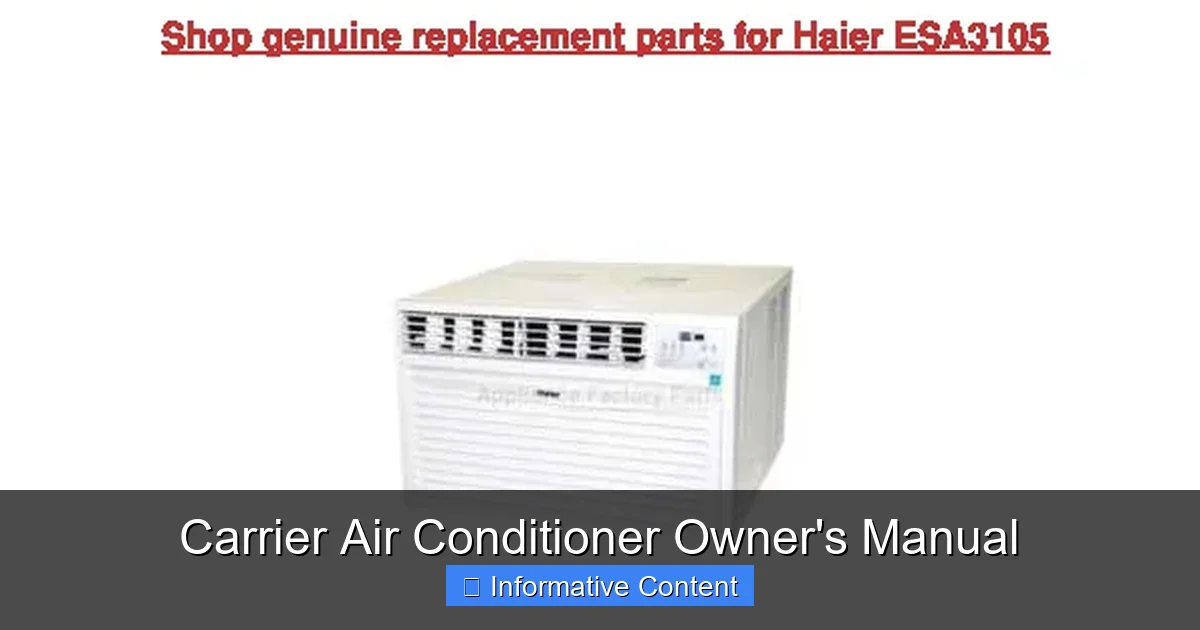
Visual guide about Carrier Air Conditioner Owner’s Manual
Image source: device.report
Safety Information and Warnings
This is usually the first section and for good reason. Safety is paramount when dealing with electrical systems and refrigerants. The manual will highlight important warnings about electrical hazards, proper grounding, and the risks of improper installation. For example, it may warn against operating the unit with damaged wiring or using extension cords, which can lead to overheating or fire. Always follow these guidelines to protect yourself, your family, and your home.
Model Identification and Specifications
Before you do anything else, locate your model and serial numbers—typically found on a label on the side or back of the outdoor unit. The manual uses these numbers to provide accurate information about your system’s capacity (measured in BTUs), voltage requirements, refrigerant type, and efficiency ratings (like SEER). Knowing your model ensures you’re following the right instructions and ordering the correct replacement parts.
Installation Guidelines
Even if a professional installs your unit, the manual provides valuable insights into proper placement, clearance requirements, and ductwork considerations. For instance, it may specify that the outdoor unit needs at least 12 inches of clearance on all sides for proper airflow. It might also recommend avoiding direct sunlight or placing the unit away from windows to reduce noise. These details help ensure optimal performance and longevity.
Operating Instructions
This section walks you through how to use your thermostat and control panel. You’ll learn how to switch between cooling, heating (if applicable), fan-only, and auto modes. Many modern Carrier systems come with programmable or smart thermostats, and the manual explains how to set schedules, adjust temperatures, and use energy-saving features. For example, setting your thermostat to 78°F when you’re home and higher when you’re away can significantly reduce energy use.
Maintenance and Cleaning
Regular maintenance is the secret to a long-lasting air conditioner, and the manual provides a detailed schedule. This typically includes monthly tasks like checking and replacing air filters, seasonal tasks like cleaning the outdoor coil, and annual professional inspections. The manual may also include diagrams showing how to safely access and clean components like the evaporator coil or condensate drain line. Neglecting these tasks can lead to reduced efficiency, poor indoor air quality, and system failure.
Troubleshooting and Error Codes
When something goes wrong, the manual is your first line of defense. It often includes a troubleshooting chart that matches common problems—like the unit not turning on, weak airflow, or strange noises—with possible causes and solutions. Many Carrier units also display error codes on the thermostat or control board. The manual decodes these messages, helping you determine whether it’s a simple fix (like a dirty filter) or a job for a technician.
Warranty Information
Your manual outlines the terms of your warranty, including what’s covered, the duration, and what voids it. For example, most Carrier warranties cover parts for 5 to 10 years, but they may require proof of annual professional maintenance. Keeping your manual and service records handy ensures you can make a valid claim if needed.
How to Use Your Carrier Air Conditioner Owner’s Manual Effectively
Having the manual is one thing—using it wisely is another. Here’s how to get the most out of your Carrier air conditioner owner’s manual:
Keep It Accessible
Store your manual in a safe, dry place where you can easily find it. Consider making a digital copy by scanning or photographing the pages and saving them to your phone or cloud storage. That way, you can quickly reference it during a heatwave when your AC acts up.
Bookmark Key Sections
Use sticky notes or tabs to mark important pages like the troubleshooting chart, maintenance schedule, and warranty details. This saves time when you need quick answers.
Follow the Maintenance Schedule
Set calendar reminders for monthly filter changes and seasonal cleanings. For example, mark your calendar for the first of every month to check your air filter. If it’s dirty, replace it. A clean filter improves airflow and reduces strain on the system.
Understand Your Thermostat
Spend time learning the features of your thermostat. If you have a smart model, explore apps that let you control your AC from your phone. The manual will explain how to set up remote access, create schedules, and monitor energy usage. For instance, programming your thermostat to raise the temperature by 7–10 degrees when you’re at work can save up to 10% a year on cooling costs.
Know When to Call a Professional
The manual helps you distinguish between DIY fixes and issues that require expert help. For example, if your unit is leaking refrigerant or making a grinding noise, it’s time to call a licensed technician. Attempting to repair these problems yourself can be dangerous and may void your warranty.
Common Maintenance Tasks Explained
Regular maintenance keeps your Carrier air conditioner running smoothly. Here’s a breakdown of the most important tasks, as outlined in the owner’s manual:
Monthly: Check and Replace Air Filters
Your air filter traps dust, pollen, and other particles. Over time, it becomes clogged, reducing airflow and forcing the system to work harder. The manual recommends checking the filter every month and replacing it if it looks dirty. For homes with pets or allergies, you may need to change it more often. A clean filter not only improves efficiency but also enhances indoor air quality.
Seasonal: Clean the Outdoor Unit
Before the cooling season begins, turn off the power and gently clean the outdoor condenser unit. Remove leaves, grass, and debris from the fins using a soft brush or garden hose on a low setting. Avoid high-pressure washers, which can bend the delicate fins. The manual may also suggest trimming back vegetation to maintain proper clearance.
Annual: Schedule Professional Maintenance
Even with regular DIY care, your system needs a professional tune-up at least once a year. A technician will inspect electrical connections, test refrigerant levels, clean coils, and check for leaks. This service can improve efficiency by up to 15% and catch small problems before they become major repairs.
As Needed: Clear the Condensate Drain
The condensate drain removes moisture produced during cooling. If it clogs, water can back up and cause damage. The manual may recommend pouring a cup of vinegar or bleach solution down the drain line every few months to prevent mold and algae growth. If you notice water pooling near the indoor unit, check the drain immediately.
Troubleshooting Common Issues Using the Manual
When your air conditioner isn’t working as expected, the Carrier air conditioner owner’s manual is your go-to resource. Here are some common problems and how the manual can help:
Unit Won’t Turn On
Check the thermostat settings first. Make sure it’s set to “cool” and the temperature is lower than the current room temperature. If that’s not the issue, consult the manual’s troubleshooting section. It may suggest checking the circuit breaker, ensuring the power switch near the unit is on, or verifying that the emergency shut-off switch (if present) hasn’t been tripped.
Weak Airflow
This is often caused by a dirty air filter or blocked vents. The manual will guide you through checking and replacing the filter. It may also recommend inspecting ductwork for leaks or obstructions. In some cases, a frozen evaporator coil could be the culprit—this usually happens when airflow is restricted, so addressing the root cause is essential.
Strange Noises
Rattling, buzzing, or grinding sounds can indicate loose parts, debris in the unit, or motor issues. The manual’s troubleshooting chart can help you identify the source. For example, a buzzing noise might point to a faulty capacitor, while a grinding sound could mean the fan motor is failing. Always turn off the power before investigating.
Ice Buildup
If you see ice on the indoor coil or refrigerant lines, turn off the system and let it thaw. The manual will explain that ice usually forms due to low airflow (from a dirty filter) or low refrigerant levels. Avoid trying to chip away the ice, as this can damage components. Once thawed, check the filter and call a technician if the problem persists.
Error Codes
Many Carrier units display error codes on the thermostat. For example, “E1” might indicate a communication error, while “F1” could mean a faulty sensor. The manual includes a list of codes and their meanings, helping you decide whether to reset the system or call for service. Some codes can be cleared by turning the unit off and on, while others require professional attention.
Energy Efficiency Tips from the Manual
Your Carrier air conditioner owner’s manual doesn’t just help you fix problems—it also offers tips to save energy and reduce utility bills. Here’s how to use it to your advantage:
Optimize Thermostat Settings
The manual recommends setting your thermostat to 78°F when you’re home and raising it when you’re away. Each degree you raise the temperature can save up to 3% on cooling costs. If you have a programmable thermostat, use it to create a schedule that matches your daily routine.
Use Fan Settings Wisely
Running the fan continuously can improve air circulation but uses more energy. The manual suggests using the “auto” fan setting, which only runs the fan when the compressor is cooling. This reduces wear on the motor and saves electricity.
Seal and Insulate Ducts
If your system uses ductwork, the manual may recommend sealing leaks and adding insulation. Leaky ducts can waste up to 30% of cooled air, forcing your system to work harder. A professional can perform a duct leakage test and make necessary repairs.
Maintain Proper Airflow
Keep furniture, curtains, and rugs away from vents to ensure unrestricted airflow. The manual emphasizes that blocked vents reduce efficiency and can cause the system to overheat. Also, avoid closing too many vents in unused rooms, as this can increase pressure in the duct system.
Upgrade to a Smart Thermostat
If your model supports it, the manual may guide you through connecting a smart thermostat. These devices learn your habits, adjust temperatures automatically, and provide energy usage reports. Some even integrate with home assistants like Alexa or Google Home for voice control.
Warranty and Customer Support
Your Carrier air conditioner owner’s manual is also your gateway to warranty protection and customer support. Here’s what you need to know:
Understanding Your Warranty
Most Carrier air conditioners come with a limited warranty covering parts for 5 to 10 years, depending on the model. Some high-efficiency units may qualify for extended warranties. The manual clearly outlines what’s covered (e.g., compressor, coils, refrigerant) and what’s not (e.g., labor, filters, routine maintenance). It also explains how to register your product online to activate the warranty.
Keeping Records
To maintain warranty coverage, you may need to provide proof of annual professional maintenance. The manual suggests keeping receipts and service reports in a folder with your manual. This documentation can be crucial if you need to file a claim.
Contacting Carrier Support
If you have questions or need assistance, the manual provides contact information for Carrier customer service, including phone numbers, website links, and regional offices. Many issues can be resolved over the phone, and technicians may walk you through simple fixes using the manual as a reference.
Conclusion
The Carrier air conditioner owner’s manual is more than just a booklet—it’s your partner in comfort, efficiency, and peace of mind. By taking the time to read and understand it, you’ll be better equipped to operate your system safely, maintain it properly, and troubleshoot issues when they arise. Whether you’re changing a filter, decoding an error message, or planning for seasonal maintenance, the manual is there to guide you every step of the way.
Don’t let it gather dust on a shelf. Keep it handy, follow its advice, and your Carrier air conditioner will reward you with years of reliable, energy-efficient cooling. After all, the best way to get the most out of your investment is to use the tools that come with it—starting with the owner’s manual.
Frequently Asked Questions
Where can I find my Carrier air conditioner owner’s manual?
You can find your manual in the box when you purchase the unit, or download a digital copy from the Carrier website using your model number. Look for the “Support” or “Literature” section and enter your product details.
What should I do if I lost my Carrier air conditioner owner’s manual?
Don’t worry—Carrier provides free PDF versions of most manuals online. Visit their official support page, search by model number, and download the correct manual instantly.
How often should I change the air filter according to the manual?
The manual typically recommends checking the filter every month and replacing it when it looks dirty. In homes with pets or allergies, you may need to change it every 30 to 60 days.
Can I install my Carrier air conditioner myself using the manual?
While the manual provides installation guidelines, Carrier strongly recommends professional installation. Improper setup can lead to safety hazards, reduced efficiency, and voided warranties.
What do the error codes on my Carrier thermostat mean?
The owner’s manual includes a list of error codes and their meanings. For example, “E1” might indicate a communication issue, while “F1” could point to a sensor problem. Use the manual to identify the issue and determine if it requires a technician.
Does the manual help with energy-saving tips?
Yes! The manual offers practical advice on thermostat settings, fan usage, and maintenance practices that can reduce energy consumption and lower your utility bills.