
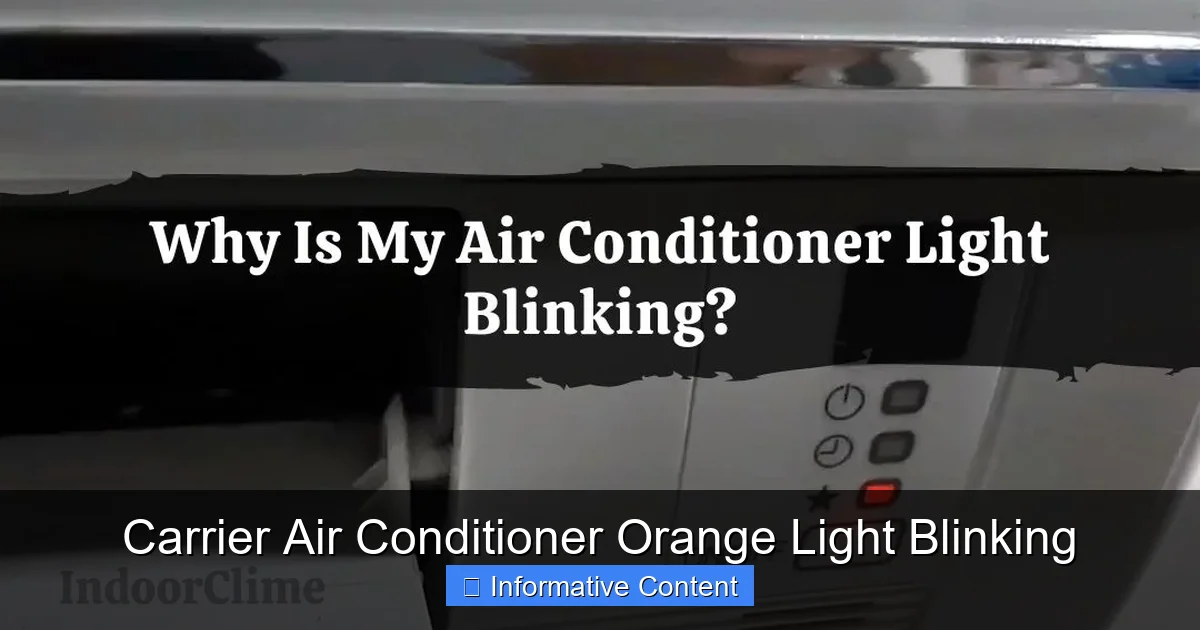
If your Carrier air conditioner orange light is blinking, it’s signaling a system error or maintenance need. This guide breaks down common causes, troubleshooting steps, and when to call a technician—so you can restore cool comfort fast.
Key Takeaways
- Orange light blinking indicates a fault code: Carrier units use LED blink patterns to communicate specific issues, from minor to serious.
- Common causes include dirty filters, refrigerant leaks, or electrical problems: Simple fixes like changing the filter may resolve the issue.
- Check the user manual for blink codes: Each model has a unique code chart—refer to it before taking action.
- Reset the system safely: Turn off power at the breaker, wait 5–10 minutes, then restore power to reset the control board.
- Don’t ignore repeated blinking: Persistent orange lights may signal compressor or sensor failure requiring professional repair.
- Regular maintenance prevents most issues: Clean filters monthly and schedule annual HVAC checkups to avoid blinking lights.
- Safety first: Always turn off power before inspecting internal components to prevent electrical shock.
📑 Table of Contents
Understanding the Carrier Air Conditioner Orange Light Blinking
So, you’re enjoying a hot summer day, and suddenly you notice an orange light blinking on your Carrier air conditioner. Your first thought might be, “Is this normal?” or “Did I break something?” Don’t panic—this blinking light is actually your AC’s way of talking to you. It’s not just a random glow; it’s a diagnostic signal designed to help you identify what’s going wrong.
Carrier air conditioners are built with smart technology that monitors performance in real time. When something isn’t operating as it should, the system triggers an alert—often through an LED light on the indoor or outdoor unit. The orange light, in particular, is a common indicator of a fault or maintenance requirement. Unlike a steady green or blue light (which usually means everything’s running smoothly), a blinking orange light means your system has detected an issue that needs attention.
But here’s the good news: not every blinking orange light means you need to call a technician right away. In many cases, the problem is something simple you can fix yourself—like a clogged air filter or a tripped breaker. However, it’s important not to ignore it. Even minor issues can escalate into bigger, costlier problems if left unchecked. Think of the orange light as your AC’s “check engine” light—it’s there to help you catch problems early.
Why Does the Orange Light Blink?
The blinking orange light is part of Carrier’s built-in diagnostic system. Each blink pattern corresponds to a specific error code. For example, one blink might mean a dirty filter, while five rapid blinks could indicate a refrigerant leak. These codes vary slightly by model, so it’s essential to consult your user manual or Carrier’s official documentation to decode the exact meaning.
Some systems use a combination of short and long blinks, while others count the number of blinks in a sequence. For instance, three blinks followed by a pause might mean “low refrigerant,” while seven blinks could point to a faulty temperature sensor. The key is to observe the pattern carefully and match it to the code chart for your specific unit.
It’s also worth noting that the orange light might appear on different parts of the system. On some models, it’s on the indoor air handler; on others, it’s on the outdoor condenser unit. If you’re unsure where to look, check both units. The location of the blinking light can sometimes give you a clue about where the problem lies—indoor issues often relate to airflow or filters, while outdoor blinking may point to electrical or refrigerant problems.
Common Misconceptions About the Orange Light
One common myth is that a blinking orange light always means your AC is broken beyond repair. That’s simply not true. In fact, many homeowners resolve the issue with basic troubleshooting. Another misconception is that the light will go away on its own. While some systems may reset after a power cycle, ignoring the underlying cause can lead to repeated blinking or worse—system failure.
Some people also assume that all blinking lights are the same. But in reality, the color and pattern matter. A red light might indicate a more severe issue, while an orange light often points to a service or maintenance alert. Understanding these differences helps you respond appropriately without overreacting or underestimating the problem.
Finally, don’t assume that a blinking orange light means your AC is unsafe to use. In most cases, the unit will either shut down automatically or continue running at reduced efficiency until the issue is fixed. However, if you smell burning, hear unusual noises, or notice ice buildup, turn off the system immediately and call a professional.
Common Causes of the Orange Light Blinking
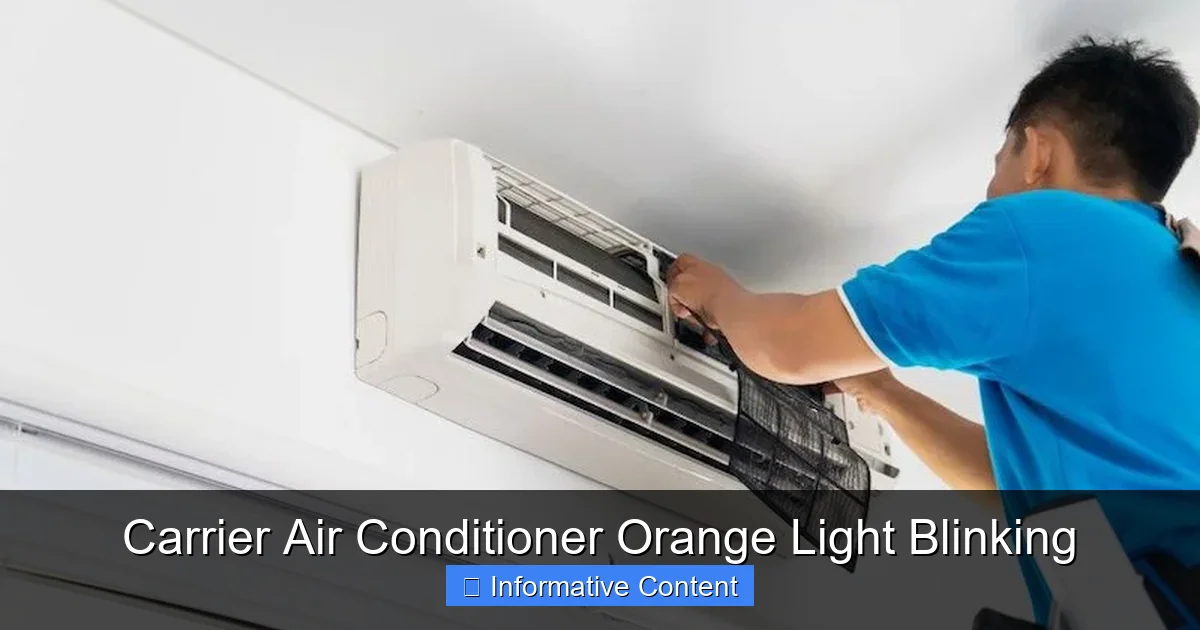
Visual guide about Carrier Air Conditioner Orange Light Blinking
Image source: gearprobe.com
Now that you know the orange light is a diagnostic tool, let’s dive into the most common reasons it starts blinking. Understanding these causes will help you narrow down the issue and decide whether you can fix it yourself or need expert help.
Dirty or Clogged Air Filters
This is by far the most frequent cause of a blinking orange light. Air filters trap dust, pollen, pet dander, and other particles to keep your indoor air clean. Over time, they become clogged, restricting airflow. When airflow drops, your AC has to work harder to cool your home, which can trigger safety sensors and cause the orange light to blink.
For example, imagine your filter hasn’t been changed in three months. It’s packed with dust, and your AC is struggling to pull air through. The system detects reduced airflow and flashes the orange light to alert you. In this case, simply replacing the filter often resolves the issue immediately.
To check your filter, locate the return air vent (usually on a wall or ceiling) and remove the cover. Pull out the filter and hold it up to the light. If you can’t see through it, it’s time for a new one. Most filters should be replaced every 1–3 months, depending on usage and air quality.
Refrigerant Leaks or Low Charge
Refrigerant is the lifeblood of your air conditioner. It absorbs heat from your home and releases it outside. If the refrigerant level drops due to a leak or improper charging during installation, your AC can’t cool effectively. This triggers pressure sensors and causes the orange light to blink.
Signs of a refrigerant issue include warm air blowing from vents, ice buildup on the outdoor unit, or hissing sounds near the refrigerant lines. However, refrigerant problems are not DIY-friendly. Handling refrigerant requires EPA certification and specialized tools. If you suspect a leak, turn off the system and contact a licensed HVAC technician.
Low refrigerant is often a symptom of a larger issue, like a cracked coil or loose connection. Simply adding more refrigerant won’t fix the root cause—and it could be illegal if done without proper certification. A professional will locate the leak, repair it, and recharge the system safely.
Electrical Issues and Power Problems
Your AC relies on a steady flow of electricity to operate. If there’s a power surge, tripped breaker, or faulty wiring, the system may shut down and blink the orange light as a warning. This is especially common after storms or when other large appliances (like a washing machine or microwave) draw too much power at once.
Check your home’s electrical panel to see if the breaker for the AC has tripped. If it has, reset it by flipping it off and then back on. Wait a few minutes before turning the AC back on. If the breaker trips again immediately, there’s likely a short circuit or overload—don’t keep resetting it. Call an electrician or HVAC pro.
Loose or corroded wiring inside the unit can also cause intermittent power issues. These problems are dangerous to diagnose yourself, as they involve live electrical components. Always turn off power at the breaker before inspecting any internal parts.
Faulty Sensors or Control Board
Modern Carrier units use sensors to monitor temperature, pressure, and airflow. If a sensor fails or gives inaccurate readings, the system may misinterpret conditions and trigger the orange light. For example, a malfunctioning thermostat sensor might think the house is much hotter than it actually is, causing the AC to run nonstop and overheat.
Similarly, the control board—the “brain” of your AC—can develop faults over time. Power surges, moisture, or component aging can cause it to send incorrect signals or fail to communicate with other parts. When this happens, the orange light may blink in a specific pattern indicating a control board error.
Replacing sensors or the control board is a job for a professional. These components are delicate and require precise calibration. Attempting a DIY repair could void your warranty or cause further damage.
Frozen Evaporator Coils
When airflow is restricted (often due to a dirty filter or blocked vents), the evaporator coils inside your indoor unit can freeze. Ice buildup prevents heat exchange, causing the system to overheat and shut down. The orange light blinks to signal the problem.
You might notice reduced cooling, water leaks near the indoor unit, or a buildup of ice on the copper refrigerant lines. To fix this, turn off the AC and let the ice melt completely—this can take several hours. Once thawed, check and replace the air filter, ensure all vents are open, and clean the coils if accessible.
If freezing happens repeatedly, there may be an underlying issue like low refrigerant or a faulty blower motor. Don’t ignore it—chronic freezing can damage the compressor, which is expensive to repair or replace.
How to Troubleshoot the Orange Light Blinking
Now that you know the common causes, let’s walk through a step-by-step troubleshooting process. This will help you identify and resolve the issue safely and efficiently.
Step 1: Check the Air Filter
Start with the simplest fix. Turn off the AC at the thermostat, then locate and inspect the air filter. If it’s dirty, replace it with a new one of the same size and type. Turn the system back on and wait 10–15 minutes to see if the orange light stops blinking.
Pro tip: Set a calendar reminder to check your filter every month. This small habit can prevent many AC problems and improve energy efficiency.
Step 2: Inspect Vents and Registers
Make sure all supply and return vents in your home are open and unobstructed. Furniture, curtains, or rugs blocking airflow can cause the same issues as a dirty filter. Move any objects away from vents and ensure they’re not closed intentionally.
Also, check the outdoor unit. Clear away leaves, grass, or debris that might be blocking the condenser coils. A clean outdoor unit allows proper heat exchange and reduces strain on the system.
Step 3: Reset the System
If the light is still blinking, try a power reset. Turn off the thermostat, then go to your electrical panel and flip the breaker for the AC to “off.” Wait 5–10 minutes to allow the system’s capacitors to discharge and the control board to reset. Then, turn the breaker back on and restore power to the thermostat.
This reset can clear temporary glitches and restore normal operation. Many homeowners find that the orange light stops blinking after a reset—especially if the issue was a minor sensor error or power fluctuation.
Step 4: Decode the Blink Pattern
If the light continues to blink, it’s time to decode the pattern. Refer to your Carrier user manual or search online for your model number and “blink code chart.” Count the number of blinks and note any pauses or sequences.
For example, if the light blinks three times, pauses, then blinks three more times, it might indicate a low refrigerant charge. If it blinks once repeatedly, it could mean a dirty filter or airflow issue. Matching the pattern to the code will guide your next steps.
Step 5: Check for Ice or Water Leaks
Inspect the indoor unit for signs of ice or water. If you see ice on the coils or refrigerant lines, turn off the AC and let it thaw. Check the filter and vents again. If ice returns after a few days, call a technician—there may be a refrigerant or airflow problem.
Water leaks can also indicate a clogged condensate drain line. This tube removes moisture from the indoor unit. If it’s blocked, water backs up and can trigger safety switches. You can try clearing it with a wet/dry vacuum or a pipe cleaner, but if the leak persists, seek professional help.
Step 6: When to Call a Professional
If you’ve tried the above steps and the orange light is still blinking, it’s time to call an HVAC technician. Persistent blinking may indicate a serious issue like a refrigerant leak, compressor failure, or electrical fault. These problems require specialized tools and expertise to diagnose and repair safely.
Also, if you notice any of the following, stop using the AC and contact a pro immediately:
– Burning smell
– Loud grinding or screeching noises
– Frequent breaker trips
– Warm air blowing from vents
– Ice buildup that doesn’t melt
Ignoring these signs can lead to costly damage or even safety hazards like electrical fires.
Preventing Future Orange Light Issues
The best way to deal with a blinking orange light is to prevent it from happening in the first place. Regular maintenance and smart habits can keep your Carrier AC running smoothly for years.
Schedule Annual Professional Maintenance
Just like your car, your air conditioner needs regular checkups. A licensed HVAC technician can inspect electrical connections, test refrigerant levels, clean coils, and calibrate sensors. Most manufacturers recommend annual maintenance, ideally before the cooling season begins.
During a tune-up, the technician will also check for early signs of wear and tear, such as loose wiring or corroded components. Catching these issues early can prevent breakdowns and extend the life of your unit.
Change Filters Regularly
As we’ve discussed, dirty filters are a top cause of blinking lights. Make filter changes a monthly habit. If you have pets or allergies, consider upgrading to a high-efficiency filter (like a MERV 8 or higher) for better air quality.
Keep spare filters on hand so you’re never caught without one. Store them in a dry place to prevent mold or damage.
Keep the Outdoor Unit Clean
Your outdoor condenser unit needs at least 2 feet of clearance on all sides for proper airflow. Trim back shrubs, remove leaves, and keep the area free of debris. Once a year, gently hose down the coils to remove dirt and grime—but avoid high-pressure washers, which can damage the fins.
Monitor Thermostat Settings
Avoid setting your thermostat too low, especially during peak heat. This forces your AC to work harder and increases the risk of freezing or overheating. A setting of 72–78°F is comfortable and energy-efficient for most homes.
Consider upgrading to a programmable or smart thermostat. These devices learn your schedule and adjust temperatures automatically, reducing strain on your system and lowering energy bills.
Listen for Unusual Noises
Your ears can be a great diagnostic tool. If you hear rattling, buzzing, or grinding, investigate immediately. These sounds often indicate loose parts, failing motors, or electrical issues. The sooner you address them, the less damage they’ll cause.
When to Replace vs. Repair Your Carrier AC
Sometimes, despite your best efforts, the orange light keeps blinking—and repairs aren’t enough. Knowing when to repair versus replace your unit can save you money and frustration in the long run.
Age of the Unit
Most air conditioners last 10–15 years with proper care. If your Carrier unit is over 10 years old and experiencing frequent issues, it may be more cost-effective to replace it than to keep repairing it. Newer models are significantly more energy-efficient and come with better warranties.
Cost of Repairs
A good rule of thumb: if a repair costs more than 50% of the price of a new unit, consider replacement. For example, if your compressor fails and the repair quote is $1,500, but a new AC costs $3,000, you might as well invest in a new system.
Energy Efficiency
Older units often have lower SEER (Seasonal Energy Efficiency Ratio) ratings. Upgrading to a high-efficiency model (SEER 16 or higher) can cut your cooling costs by 20–40%. Over time, those savings can offset the cost of a new unit.
Warranty Coverage
Check your warranty before making repairs. Many Carrier units come with 5–10 year parts warranties. If your unit is still under warranty, repairs may be covered—making it a no-brainer to fix rather than replace.
Environmental Impact
Newer ACs use eco-friendly refrigerants like R-410A, which have lower global warming potential than older types. Replacing an old unit reduces your carbon footprint and supports sustainability.
Conclusion
A blinking orange light on your Carrier air conditioner isn’t a cause for panic—it’s a helpful alert that something needs attention. Whether it’s a simple filter change, a power reset, or a call to a technician, understanding what the light means empowers you to act quickly and effectively.
By following the troubleshooting steps in this guide, you can resolve many common issues yourself and avoid unnecessary service calls. But remember, safety comes first. When in doubt, turn off the power and consult a professional.
Regular maintenance is your best defense against blinking lights and breakdowns. Change filters, clean vents, and schedule annual tune-ups to keep your system running smoothly. And if your unit is aging or frequently malfunctioning, consider upgrading to a newer, more efficient model.
Your home should be a cool, comfortable sanctuary—not a source of stress. With the right knowledge and care, your Carrier air conditioner will keep you comfortable for many summers to come.
Frequently Asked Questions
What does a blinking orange light on a Carrier AC mean?
A blinking orange light indicates a fault or maintenance alert in your Carrier air conditioner. It’s part of the system’s diagnostic feature, signaling issues like dirty filters, low refrigerant, or electrical problems.
Can I fix a blinking orange light myself?
Yes, in many cases. Start by checking and replacing the air filter, ensuring vents are open, and resetting the system. If the light persists, consult your manual or call a technician.
How do I reset my Carrier air conditioner?
Turn off the thermostat, flip the AC breaker to “off” at the electrical panel, wait 5–10 minutes, then restore power. This resets the control board and may clear the blinking light.
Why is my AC blinking orange and not cooling?
This could be due to a dirty filter, frozen coils, low refrigerant, or a faulty sensor. Check the filter first, then look for ice buildup. If the problem continues, contact an HVAC pro.
How often should I change my air filter to prevent blinking lights?
Replace your air filter every 1–3 months, depending on usage, pets, and air quality. A clean filter ensures proper airflow and prevents many common AC issues.
Is a blinking orange light dangerous?
Not usually, but it shouldn’t be ignored. While the system is likely safe to run temporarily, persistent blinking may indicate a serious issue like a refrigerant leak or electrical fault that requires professional attention.